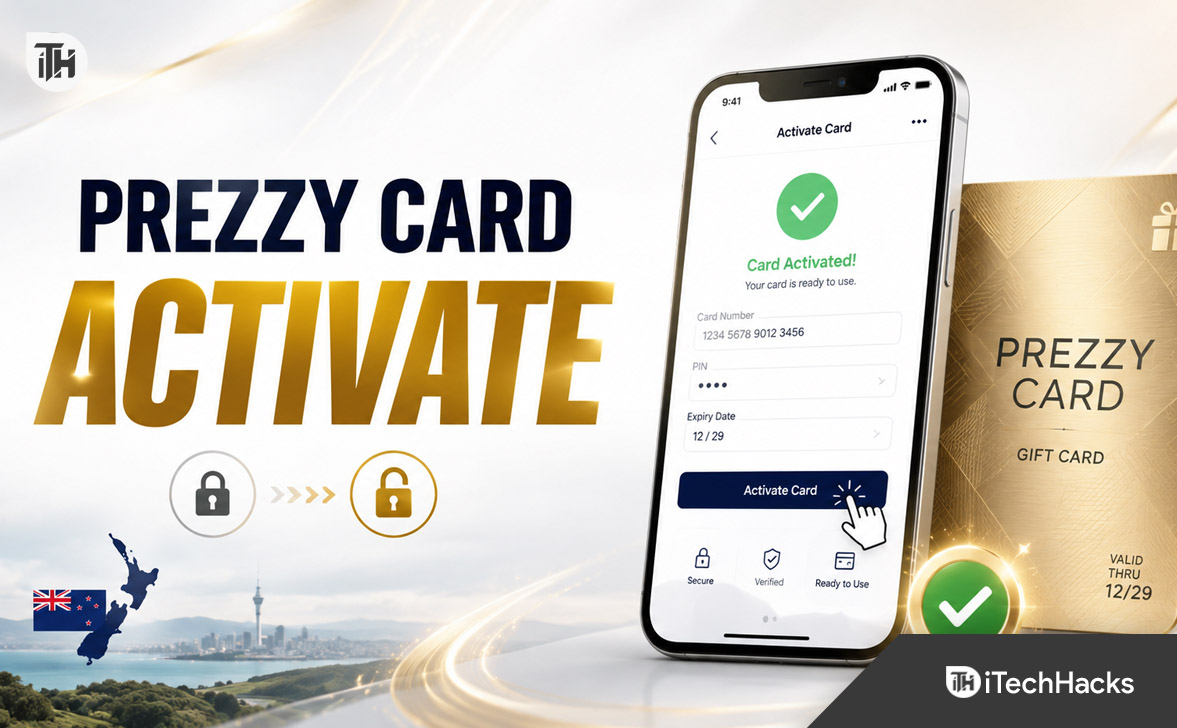
- To use a Prezzy Card from New Zealand, you must activate it online if it was mailed to you. This requires entering an Alternate ID from the back of the card and a four-digit unlock code given by the card purchaser.
- Virtual Prezzy Cards need an emailed activation link and a one-time password. Checking the card balance online is free, and registering the card after activation is advised for protection in case it’s lost or stolen.
- If activation issues arise, ensure the correct unlock code is used and contact support if necessary. Some merchants may not accept prepaid cards, and it's important to keep the transaction amount below the card's available balance.
A Prezzy Card is a prepaid New Zealand gift card that can be used at eligible stores and websites. Before spending the balance, some cards must be unlocked through the official Prezzy Card website, particularly when they were delivered by mail or courier.
This Prezzy Card activation guide explains how to activate a physical or virtual card, find the required details, check the balance, and fix common activation or payment problems.
What Is Prezzy Card Activation?
Prezzy Card activation is officially described as unlocking the card. A mailed or couriered card may arrive locked for security, so the recipient cannot use it until the correct four-digit unlock code is entered. The person who purchased the card normally provides this code separately.
Activation and registration are different. Activation makes a locked card usable. Registration links it to the cardholder’s details and can help with lost-card support, replacement requests, or transaction disputes. The card must be unlocked before registration.
What You Need to Activate a Prezzy Card
- The physical Prezzy Card
- The Alternate ID printed below the barcode
- The four-digit unlock code
- A phone or computer with internet access
The unlock code is not the card number, CVV, or a normal payment PIN. If you do not know it, ask the person or organisation that bought the card instead of guessing.
How to Activate a Prezzy Card Online
Step 1: Open the Official Activation Page
Visit the official Prezzy Card New Zealand website and choose the option to unlock a card. Avoid entering card information on links received from unknown senders.
Step 2: Enter the Alternate ID
Turn the card over and find the barcode. Enter the Alternate ID printed below it exactly as shown. Check every digit before continuing.
Step 3: Enter the Four-Digit Unlock Code
Type the code supplied by the purchaser, then select Unlock Now. When the details are accepted, the card is activated and should be ready for eligible transactions.
Step 4: Check the Available Balance
Open the balance and transaction section on the official website. Enter the Alternate ID and the last four digits of the card number to see the available value and recent purchase history.
Do Store-Bought Prezzy Cards Need Activation?
A card purchased directly from a retail store may not include a separate unlock code. Prezzy Card says it can take up to 24 hours for the funds to appear. Check the balance online, and when the loaded value is visible, the card should be ready to use.
If no balance appears after 24 hours, keep the purchase receipt and contact Prezzy Card support or the retailer. The receipt can help prove that the card was paid for and loaded at checkout.
How to Activate a Virtual Prezzy Card
A virtual Prezzy Card uses an emailed activation link and a one-time password. Enter the verification code, then save or print the card details and keep them secure. If the email is missing, check spam, junk, promotions, and social folders before contacting support.
Virtual orders may not arrive immediately. The official product page states that digital orders are checked and processed during listed New Zealand operating hours.
Register Your Card After Activation
Registration is recommended because it can make ownership verification easier if the card is lost, stolen, compromised, or affected by an unauthorised transaction. Follow the current registration option for the card network shown on your card.
Register the card before carrying it regularly or adding it to a digital wallet. Registration does not prevent every loss, but an unregistered card may be harder to suspend or replace.
How to Use an Activated Prezzy Card
Once activated, the card can be used at eligible merchants that accept the network printed on it. It may work for in-store, online, and overseas purchases, subject to merchant acceptance, available funds, conversion costs, and card restrictions.
- Check the exact balance before paying.
- Allow for currency conversion charges overseas.
- Keep the total transaction below the available balance.
- Use the card before its printed expiry date.
- Remember that Prezzy Cards cannot be reloaded.
Under the current terms, cards sold on or after 16 March 2026 have a minimum expiry period of three years from the issue date. Older cards retain the expiry conditions originally advertised.
Prezzy Card Activation Not Working: Common Fixes
The Unlock Code Is Incorrect
Ask the purchaser to confirm the exact code. If the purchaser is unavailable or no longer has it, contact official support and provide the Alternate ID plus the name of the person or company that gave you the card.
The Card Balance Is Not Showing
For a newly purchased retail card, wait up to 24 hours and check again. For a mailed card, confirm that it has been successfully unlocked first.
An Online Payment Is Declined
Some merchants do not accept prepaid gift cards. Transactions can also fail when a merchant uses certain verification systems, requires identity matching, charges a subscription, or adds an amount that pushes the purchase above the remaining balance.
A Specific Merchant Rejects the Card
Try another eligible merchant. Prezzy Cards cannot be used for cash withdrawals, gambling, currency exchange, or cash redemption. Some taxis and automated fuel dispensers may also reject prepaid cards. Hotels and rental companies can place extra holds that exceed the card balance.
Frequently Asked Questions
Where Is the Prezzy Card Alternate ID?
It is printed on the back of the physical card below the barcode.
Can I Activate a Prezzy Card Without the Code?
A locked physical card normally requires the four-digit code. Ask the purchaser first, then contact official customer service if it cannot be recovered.
Can I Check My Prezzy Card Balance Online?
Yes. You can check the balance and purchase history through the official card portal using the requested card details. Online balance checking is free.
Can I Add the Card to Apple Pay or Google Wallet?
Eligible activated and registered cards can be added to a supported digital wallet. Virtual cards can also be used through Apple Pay or Google Pay where supported.
Who Should I Contact for Help?
Use the details on the official Prezzy Card contact page. It currently lists +64 9 888 6792 for New Zealand support and notes that fees may apply.
Final Thoughts
Prezzy Card activation is simple when you have the Alternate ID and four-digit unlock code. Enter both details on the official activation page, unlock the card, and check the available balance before shopping.
Store-bought cards may need up to 24 hours for funds to appear, while virtual cards use an emailed link and one-time password. Registering the card afterward is a sensible security step and can make it easier to get support if something goes wrong.
ALSO READ:
- Activate JCPenney Credit Card Login at jcp.syf.com 2026: Apply for a JCPenney
- How to Activate Indigo Mastercard at Indigocard.com & Set Up Login
- How to Activate Funimation on Xbox, PS5, Apple TV
- How to Activate & Access PlayStation Plus 14 Day Trial Codes
- www.onepay.com Activate Card: How to Activate Your OnePay Card