
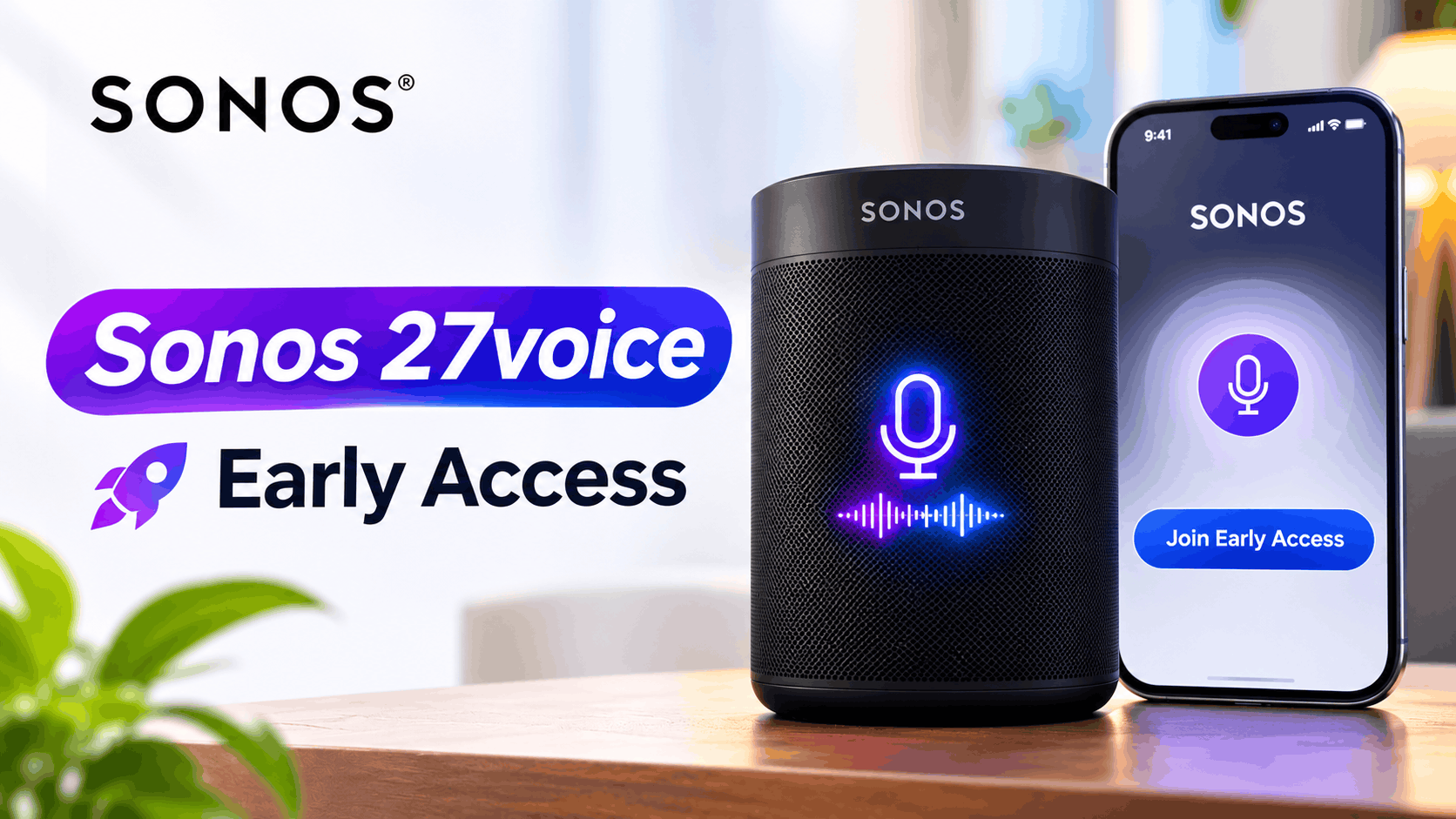
- Sonos 27voice is a new voice assistant that allows users to control music in a more natural way, manage timers, check weather information, and control certain smart home devices. It understands regular speech rather than needing specific commands.
- The Sonos 27voice Early Access program is available from November 6, 2026, but only for people in the United States who use US English. It's a first-come, first-served program, so there's no guarantee everyone who applies will get in.
- To join Early Access, you must have a Sonos product with a microphone and the updated Sonos app. You can request access through the app, but being on the list doesn't mean immediate approval. If approved, you can then
Sonos is preparing to open Early Access for Sonos 27voice, its next-generation voice assistant designed to understand more natural requests and provide deeper control over your Sonos system. Instead of relying only on fixed commands, Sonos 27voice can understand conversational questions, control music across rooms, manage timers, provide weather information, and even handle supported smart home devices.
The Sonos 27voice Early Access program is initially limited to customers in the United States and uses US English. Sign-ups are scheduled to open on November 6, 2026. Access is limited, approval is not guaranteed, and Sonos says enrollment will be handled on a first-come, first-served basis.
If you want to test the new assistant before its wider release, this guide explains how to join the Sonos 27voice Early Access program, what you need before applying, how approval works, and what to do if the Early Access option does not appear in your Sonos app.
What Is Sonos 27voice?
Sonos 27voice is the new voice assistant included as part of the broader Sonos 27 platform. It builds on the existing Sonos Voice Control system but is designed to understand much more natural language rather than requiring users to remember specific voice commands.
For example, instead of knowing the exact name of an album or playlist, you can describe what you are looking for. Sonos 27voice is designed to interpret the request and determine the appropriate music or action.
It can also handle regular Sonos controls such as:
- Starting, pausing, and stopping music
- Changing tracks
- Changing volume
- Playing music in a specific room
- Grouping and ungrouping Sonos speakers
- Moving music between rooms
- Managing supported music libraries
- Setting timers and sleep timers
- Answering general questions
- Providing weather information
- Controlling supported Philips Hue devices
- Controlling supported Lutron devices and scenes
The wake phrase remains familiar. Once Sonos 27voice is enabled, you can begin a request by saying “Hey Sonos.”
When Does Sonos 27voice Early Access Start?
Sonos is rolling out the Early Access program during Fall 2026. The current rollout information indicates that customers in the United States can begin joining the Sonos 27voice waitlist on November 6, 2026.
Selected testers are expected to begin receiving access shortly afterward, with the first approved users reportedly getting access from November 12. Do not expect every person who joins the list to receive access immediately.
Sonos describes the program as limited Early Access rather than a normal software rollout. Enrollment is first come, first served, and requesting access does not guarantee that your system will be accepted.
Sonos 27voice Early Access Requirements
Before looking for the Sonos 27voice Early Access option, make sure your system meets the main requirements.
1. You Must Be in the United States
The initial Sonos 27voice Early Access program is available only to customers based in the United States. Users outside the US should not expect the Early Access enrollment tile to appear during the initial rollout.
Sonos plans broader availability after the testing period, but the company has not provided a specific international rollout date for every region.
2. US English Is Required
The first Early Access version supports US English. Additional languages may arrive later as Sonos expands the feature beyond the initial testing period.
3. You Need a Sonos Product With a Microphone
Sonos 27voice can be added to compatible Sonos products that contain a microphone. A microphone is necessary because the speaker must be capable of hearing the “Hey Sonos” wake phrase and subsequent commands.
Products without microphone hardware cannot directly listen for Sonos 27voice requests, although a voice-enabled Sonos product can control other compatible products elsewhere in the same Sonos system.
4. Update the Sonos App
Install the latest version of the Sonos app available for your iPhone or Android device. The Early Access enrollment option is being introduced through the current Sonos 27 app experience, so an older app version may not show the necessary menus.
Sonos started rolling out another major app update in early November 2026, including features such as Presets, favorite rearrangement, swipe-to-skip controls, and changes related to the upcoming Sonos 27voice Early Access program.
5. Keep Your Sonos System Updated
Open the Sonos app and check for system updates before applying. Your compatible Sonos devices should be running the current Sonos software so the app can correctly determine whether your system qualifies.
How to Join Sonos 27voice Early Access
Once enrollment becomes available, Sonos lets eligible users request access directly through the Sonos app. You do not need to register through a separate beta website.
Step 1: Open the Sonos App
Launch the latest Sonos app on your iPhone or Android phone. Make sure you are signed into the Sonos account connected to the system you want to use with Sonos 27voice.
Step 2: Open Settings
Go to Settings inside the Sonos app. Sonos will display the Early Access invitation here for eligible accounts when enrollment is available.
Step 3: Find “Join Early Access for Sonos 27voice”
Look for a tile labeled Join Early Access for Sonos 27voice. The tile may not appear for everybody at exactly the same time because Sonos is gradually enabling enrollment and limiting participation.
Step 4: Tap Request Early Access
Open the Early Access tile and select Request Early Access.
Read any information displayed about the test program and follow the on-screen prompts. Early Access software may change frequently, and occasional bugs or unreliable responses are possible because Sonos is still refining the service.
Step 5: Submit Your Request
Complete the Early Access request inside the app. Once Sonos receives your application, the Voice Assistants section should show a message similar to You’re on the list.
This means your request has been received. It does not mean the feature has already been activated.
Step 6: Wait for Approval
Sonos will approve a limited number of users for testing. Since enrollment is first come, first served, requesting access soon after sign-ups open may improve your chances, although there is no guarantee of acceptance.
Once your system has been approved, the Sonos 27voice tile should change from You’re on the list to Set up Sonos 27voice.
How to Set Up Sonos 27voice After Approval
Getting accepted into Early Access does not automatically activate the assistant. You still need to add Sonos 27voice to your system.
Once approved, follow these steps:
- Open the Sonos app.
- Go to Settings.
- Select General Settings.
- Open Voice Assistants.
- Select Add a Voice Assistant.
- Choose Sonos 27voice.
- Follow the instructions shown in the Sonos app.
After setup finishes, try a simple request such as asking Sonos for the time or telling it to play music. Starting with a basic command helps confirm that the microphone, assistant, and network connection are working correctly.
How to Upgrade From Sonos Voice Control to Sonos 27voice
Things work slightly differently if you already use the older Sonos Voice Control service.
Sonos Voice Control and Sonos 27voice operate across the Sonos system and cannot both be installed on the same system at the same time. Instead, approved users can upgrade the existing Sonos Voice Control setup.
To upgrade:
- Open the Sonos app.
- Go to Settings > General Settings.
- Select Voice Assistants.
- Choose Sonos Voice Control.
- Select Upgrade.
- Tap Continue.
- Complete the remaining setup instructions.
If you later decide that the Early Access version is not stable enough for your setup, Sonos also provides an option to downgrade back to Sonos Voice Control.
Can Sonos 27voice Work With Alexa?
Yes. Sonos says Sonos 27voice and Amazon Alexa can be activated on the same compatible speaker. This is useful if you rely on Alexa for other smart home features but prefer Sonos 27voice for music and Sonos system controls.
Google Assistant has a different limitation. Sonos 27voice and Google Assistant cannot both be activated on the same speaker.
You can, however, use Google Assistant on another compatible speaker elsewhere in the same Sonos system.
What Can You Do With Sonos 27voice?
The biggest change with Sonos 27voice is not simply the number of commands