- OnlyFans is a popular platform for creators to share exclusive content, but refunds are rare and determined by individual creators' policies.
- Deleting an OnlyFans account cancels subscriptions and removes all data; refunds are only issued for specific errors with orders.
- Refunds on OnlyFans are challenging to obtain, but subscribers can request them through the website, credit card company, or customer support, following specific steps and providing evidence of errors.
As a platform for sharing exclusive content and connecting with fans, OnlyFans has become incredibly popular with content creators. However, subscriptions may be refunded in rare cases if subscribers feel the content or technical issues are unsatisfactory. We provide a comprehensive guide on how to get an OnlyFans refund. Therefore, let’s get started with the guide.
What is OnlyFans?
In order to facilitate transactions between creators and subscribers, OnlyFans does not handle refunds directly. In most cases, refund policies are decided by the content creators themselves.
It’s important to review the refund terms and conditions set by the creator of the subscription you wish to refund in order to understand the refund process. Regardless of how they define eligibility, timeframes, and conditions for refunds, each creator has the autonomy to define their own policy. In most cases, these policies are outlined in the subscription description or the service agreement accompanying the subscription.
Does Deleting an OnlyFans Account Cancel Subscriptions?
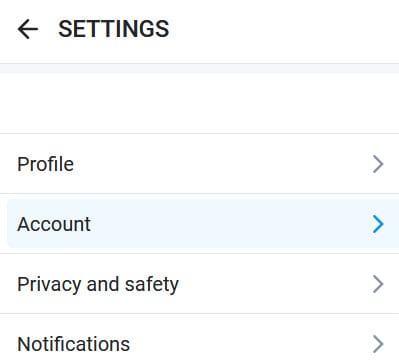
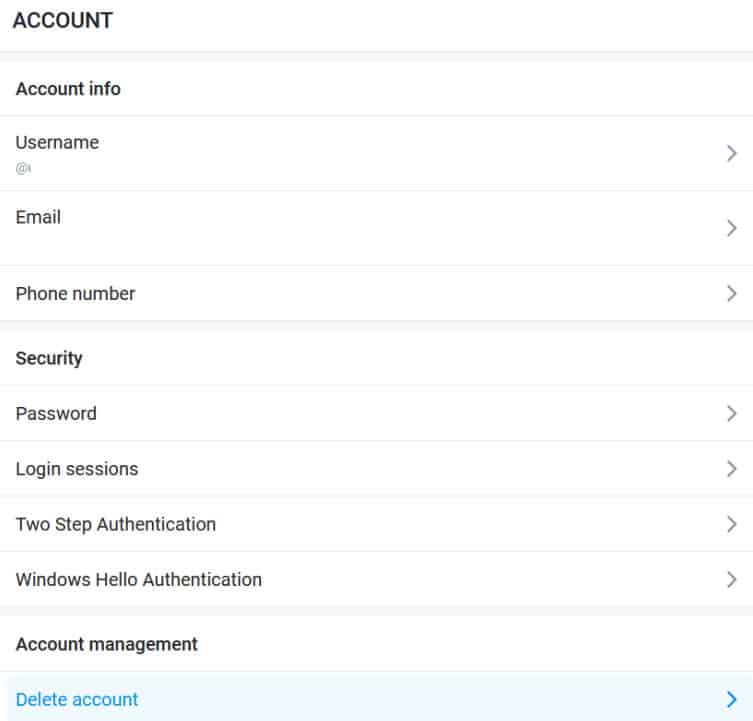
You will automatically lose all subscriptions when you delete an OnlyFans account. In addition to removing any other data, the platform will also remove any other information. To delete your OnlyFans account, follow these steps:
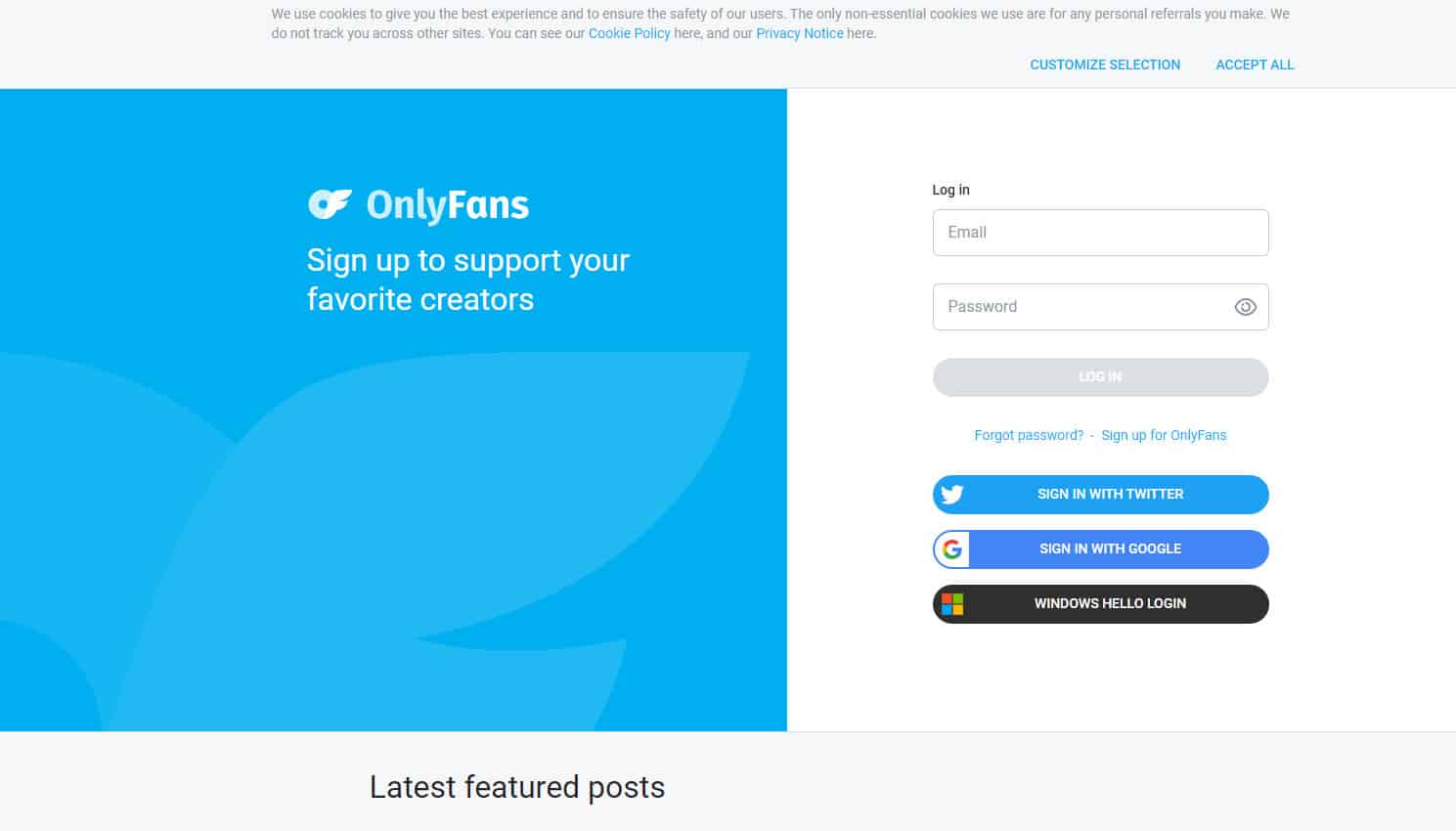
- Using the browser, open OnlyFans and sign in.

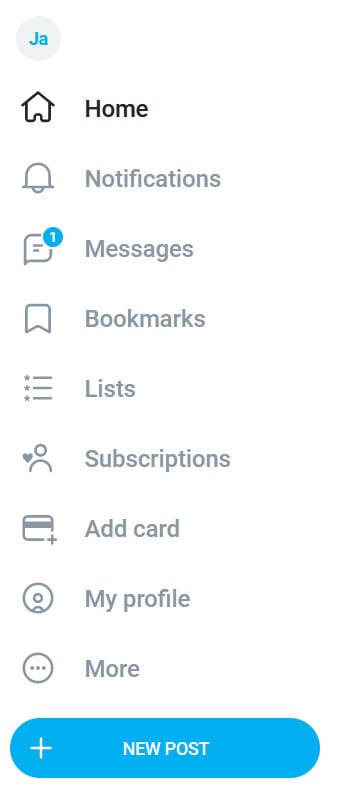
- At the corner of your screen, click your profile picture.

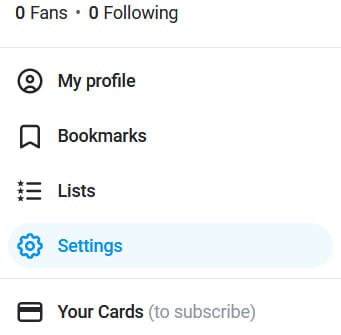
- Go to Settings.

- Then click Account.

- At the bottom, select Delete Account.

- Thereafter, please enter the code from the picture to prove you aren’t a robot.
- Click Yes, Delete to confirm the action.
OnlyFans Refund Policy
There is no refund policy at OnlyFans. If you change your mind about something you have purchased, you will not be able to get a refund.
Refunds are only issued when there is an error with your order. You may be charged twice for a single item or for something you didn’t order.
Customers who believe they have been wrongly charged can contact customer support and request a refund. It would be helpful if you could provide evidence of the error, such as a screenshot of your bank statement.
If you have downloaded or viewed content, you cannot get a refund from OnlyFans. Among them are subscriptions, tips, and pay-per-view content.
File Refund Requests Within 90 Days
You now have a 90-day window from the original transaction date to dispute a charge. Requests made beyond this timeframe are automatically rejected, regardless of the issue.
What Are The Different Methods to Get an OnlyFans refund?
Content creators and subscribers alike are safe on OnlyFans, which is a subscription-based platform. In addition to safety, income is protected for content creators. OnlyFans refunds are hard to come by, which is why they are hard to obtain.
OnlyFans will not refund subscription fees if you cancel your subscription after being charged once you find someone on the platform.
You will be banned from the site if you cancel your subscription after viewing their content and request a refund later.
There are various ways to request a refund, even though OnlyFans makes it hard to get one. There is still a review and approval process for all requests. You have a better chance of receiving a refund if you have substantial grounds and proof. So, here are a few methods for requesting a refund on OnlyFans:
#1. Use OnlyFans Website
Here are the steps to canceling and refunding your OnyFans subscription:
- To cancel or refund subscriptions, follow this link: https://onlyfans.com/cancel-and-refund-feature.
- Log in with your OnlyFans username.
- To cancel and refund your subscription, select the service you want to cancel.
- You will need to enter the subscription for fee amount.

- From the OnlyFans server, click Cancel and Refund.
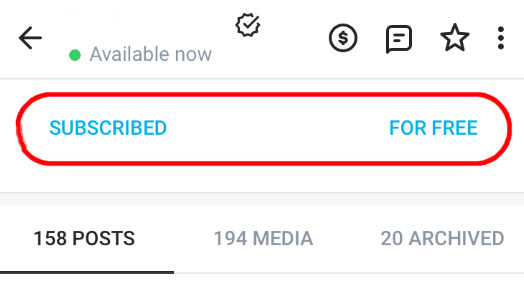
To receive a refund, make sure to follow all instructions carefully.
#2. Use a Credit Card Company
If you would like a refund of your subscription fee or other charges, you can contact the company that issued your credit card. You should use this method if you think your credit card was incorrectly charged.
Despite this, OnlyFans users should be aware that they may be suspended or restricted from accessing the site if they request a credit card chargeback or dispute. Your Account should be reopened if you believe it was incorrectly restricted.
It will still be up to the reviewer and approval board to review the refund request. Whenever a refund or chargeback occurs, the content creator will be notified.
#3. OnlyFans Customer Support
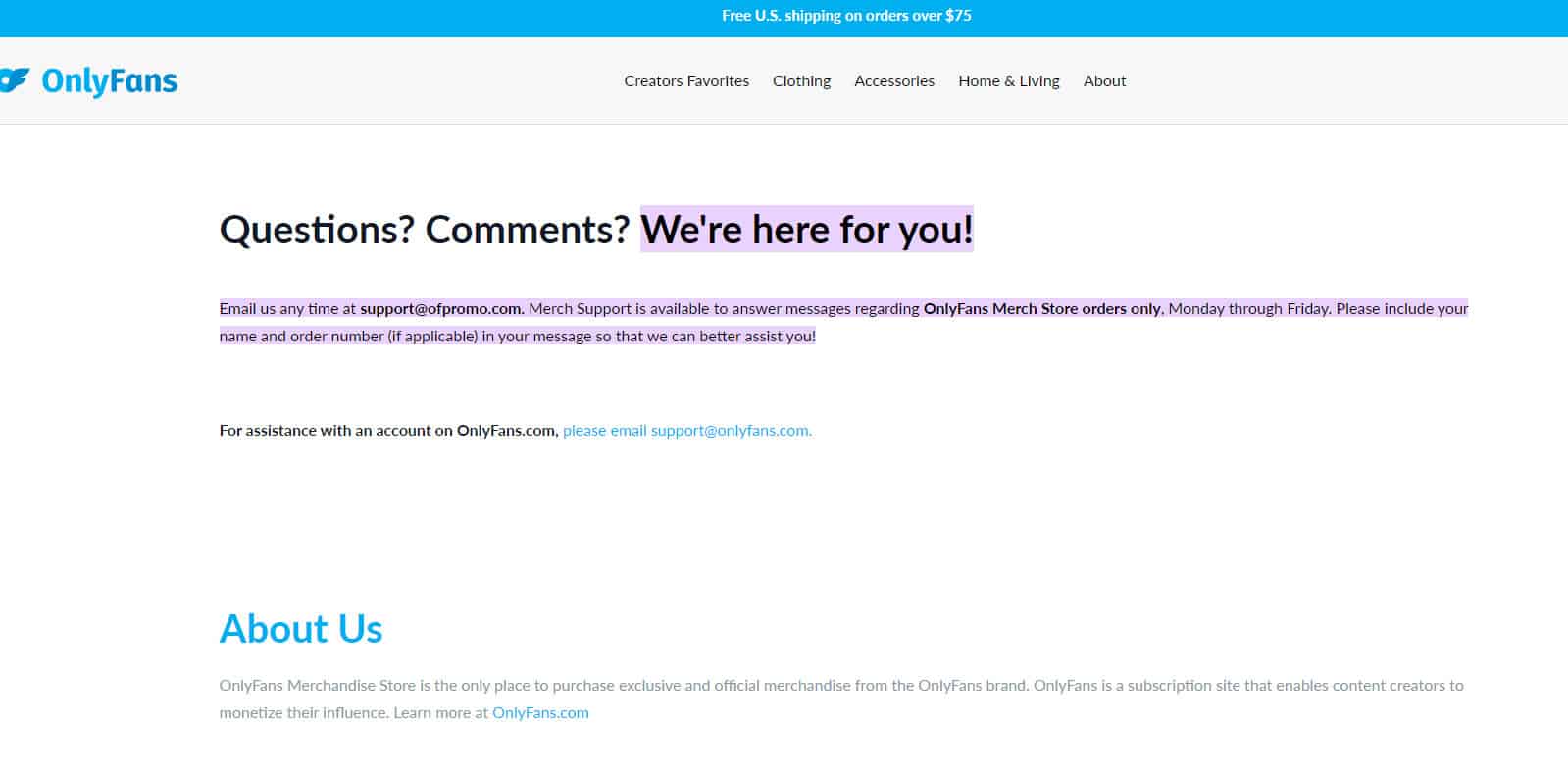
Instead of sending an email to [email protected], go to:
- Your Profile → Help & Support → Contact Support
- Choose a topic like “Billing Issue” or “Refund Request”
- Fill out all required details including username, invoice ID, and issue description
Attach screenshots or bank statements if available
Contact the Creator Directly (Before Escalating to Support)
In 2025, OnlyFans encourages users to first message the content creator if:
- A custom video or request was promised but never delivered
- You were misled by the description (e.g., outdated photos, no new uploads)
Many creators will issue a manual refund or bonus content if the issue is legitimate. This approach helps resolve the issue faster without escalating to OnlyFans support or risking your account.
Cancel at Least 24 Hours Before Renewal
Many users still forget to cancel on time. In 2025, OnlyFans has clarified that you must cancel at least 24 hours before the subscription renews to avoid being charged for the next month.
- Subscriptions auto-renew exactly when the original billing cycle ends. Canceling even a few minutes late will result in a full charge.
Reminder: Cancel early to avoid unwanted renewals—refunds for this are not granted.
Why Does OnlyFans Request the Reason for Unsubscribing?
There are many reasons why OnlyFans collects data about users’ reasons for unsubscribing. For the purposes of data analysis and term violation monitoring, the platform requests data. No matter what you do, your reply will not affect you.
Can I Get a Refund if I Forgot to Cancel in OnlyFans?
It is not possible to receive a refund on subscriptions from OnlyFans, even if you forget to cancel them. Suppose the content doesn’t meet the description or violates OtherFans rules in another way? However, you cannot get a refund from the platform if this is the case.
Although it may seem unfair, every transaction made by a fan is part of a contract between the fan and the creator. There is no agreement between the platform and the parties; the platform only stores content and facilitates transactions. Therefore, OnlyFans does not refund money unless you contact the creator directly or resolve the conflict in court.
Conclusion
Even though refunds on OnlyFans are not always guaranteed, understanding their refund policies and following their recommendations can greatly increase your chances. Using these strategies, subscribers can efficiently navigate OnlyFans’ refund process and protect their interests. So, that’s how you can get OnlyFans refund. We hope this guide has helped you. In the meantime, if you need more info regarding OnlyFans, comment below and let us know.
ALSO READ: