- Discord does not let you see who views your profile, and no legitimate Discord profile viewer exists.
- Third-party “profile viewer” apps or websites are scams that risk your account security and may install malware.
- Focus on real interactions friend requests, DMs, and server activity instead of worrying about silent profile views.
Discord has grown from a niche platform for gamers into one of the most widely used communication tools worldwide. Whether you use it to game with friends, run community servers, or collaborate with teams, one common question always comes up: Can you see who views your Discord profile?
The answer to this is not as straightforward as many expect. While Discord is packed with features that enhance communication, profile viewing data remains a gray area. Many users search for a Discord profile viewer or wonder if there’s a hidden way to know who checked their account.
This guide explains everything in detail: what Discord officially allows, the myths surrounding Discord profile viewers, potential risks, and safe ways to manage your profile visibility.
Why People Want to Know Who Viewed Their Discord Profile
Before diving into the technical side, it’s worth understanding why so many people ask: Can you see who views your Discord profile?
- Curiosity – Just like on platforms like LinkedIn or Instagram, users often want to know who’s interested in them.
- Privacy Concerns – Some worry about strangers lurking on their profile.
- Community Management – Server admins sometimes want to track who checks their profile for credibility or authority reasons.
- Personal Relationships – Friends or acquaintances may want to know if someone they know has been checking them out.
Unfortunately, Discord does not provide a built-in feature that reveals profile visits. But there’s more to the story.
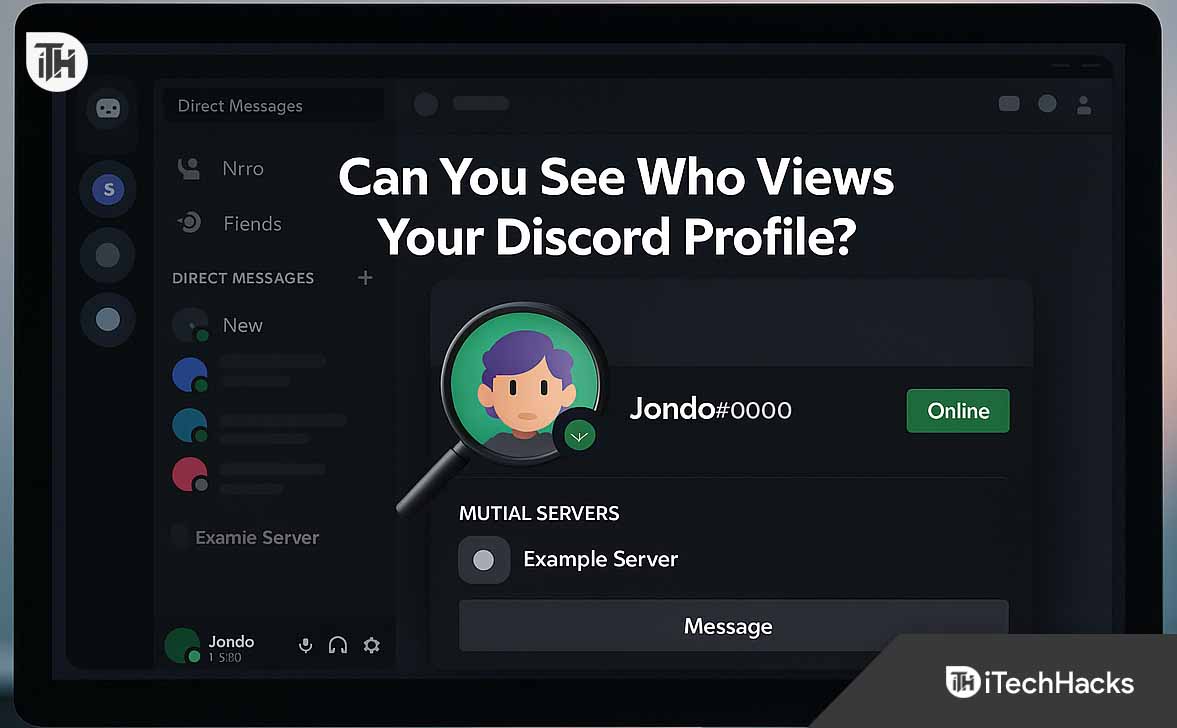
Can You See Who Views Your Discord Profile?
The short and clear answer: No, you cannot see who views your Discord profile.
Discord values user privacy. Unlike LinkedIn, which notifies you when someone views your profile, Discord does not share that information. There’s no button, tab, or option inside the app to reveal who clicked on your name or checked your avatar.
If you’ve been searching for an official Discord profile viewer, you won’t find one—because it doesn’t exist.
Why Discord Does Not Allow Profile Viewing Data
Discord’s design choices are intentional. The platform is built for communication and communities, not for social media “profiling.” Here are some reasons why the feature doesn’t exist:
- User Privacy – Allowing users to see who viewed their profile could lead to stalking, harassment, or unnecessary conflicts.
- Platform Focus – Discord is about chatting, streaming, and collaborating in servers. Profiles are secondary to conversations.
- Server Moderation – Discord prefers to give moderation tools to server owners instead of revealing individual profile visits.
- Technical Load – Tracking every profile view for millions of users daily would be resource-heavy and against their lightweight philosophy.
What About Third-Party “Discord Profile Viewers”?
If you’ve Googled Discord profile viewer, you’ve probably seen shady websites and Chrome extensions claiming they can show who viewed your profile.
Be careful. These tools are not legitimate.
Here’s why you should avoid them:
- Scams & Phishing – Many “profile viewer” sites are designed to steal your Discord login credentials.
- Malware Risk – Downloading third-party software can install viruses or spyware on your device.
- Against Discord’s Terms – Using unauthorized tools can get your account banned.
- Fake Results – Most of these tools generate random names to trick you into thinking they work.
The reality: No external app or website has access to Discord’s private data about profile views.
What You Can See About Others on Discord
Although you cannot see who views your profile, Discord does provide certain visibility features:
- Friend Requests – If someone is interested in you, they’ll likely send a friend request.
- Mutual Servers – You can see which servers you share with another user.
- Mutual Friends – Discord shows if you have friends in common.
- Online Status – You can see if someone is online, offline, idle, or in Do Not Disturb mode.
- Game Activity – If enabled, you may see what game or activity someone is currently doing.
These features allow interaction and engagement without exposing private viewing habits.
How Discord Protects Your Profile Privacy
If you’re concerned about who might be looking at your profile, it’s helpful to know the privacy settings Discord provides:
1. Control Friend Requests
Go to User Settings > Privacy & Safety > Who Can Send You Friend Requests.
- Everyone
- Friends of Friends
- Server Members
Limiting this helps avoid random adds.
2. Block Users
If someone is bothering you, right-click their profile and choose Block. This hides your activity from them.
3. Adjust Activity Status
Disable “Display current activity as a status message” in settings if you don’t want people seeing what you’re doing.
4. Server Privacy Controls
On each server, you can control who can DM you, tag you, or see your profile.
Can Discord Add a Profile Viewer in the Future?
Some users hope Discord will one day add a “Who Viewed My Profile” feature. While it’s possible, it’s unlikely because:
- It would clash with Discord’s privacy-first culture.
- It might cause drama or harassment in communities.
- It would require significant changes to data tracking and storage.
That said, Discord has surprised users before by rolling out features like voice stages and threads. But as of 2025, there is no official Discord profile viewer.
Safer Alternatives to Knowing Who Interacts With You
If you’re trying to gauge who’s interested in your profile, use these safer strategies instead of hunting for unreliable Discord profile viewers:
- Check Server Interactions – People who reply to your messages or react with emojis are the ones engaging with you.
- Monitor Friend Requests – This is the clearest sign someone noticed your profile.
- Look at DMs – Direct messages show actual interaction, which matters more than silent profile views.
- Engage in Communities – The more you post, the easier it is to see who repeatedly interacts with your content.
Common Myths About Discord Profile Views
Let’s clear up some common misconceptions:
-
❌ Myth: You can see profile views with Discord Nitro.
✅ Truth: Nitro adds perks like HD streaming and profile banners, but not profile view tracking. -
❌ Myth: Bots can reveal profile views.
✅ Truth: Bots cannot access such data through the Discord API. -
❌ Myth: “Inspect element” tricks reveal profile visits.
✅ Truth: This is false. Inspect element only shows code from your session, not hidden data. -
❌ Myth: Profile viewer apps on Google Play work.
✅ Truth: They don’t. They’re often scams or adware.
What Happens If You Use a Fake Discord Profile Viewer?
If you’re tempted to try one of these tools, here’s what can happen:
- Account Compromise – Your username and password may get stolen.
- Unauthorized Messages – Your account might start sending spam to your friends.
- Permanent Ban – Discord may ban your account for violating Terms of Service.
- Device Damage – Some downloads contain malware that can slow down or crash your system.
Best Practices for a Safe Discord Profile
Since you can’t track viewers, focus on keeping your profile safe and appealing:
-
Use a Secure Password – Combine uppercase, lowercase, numbers, and symbols.
-
Enable 2FA (Two-Factor Authentication) – Adds an extra layer of protection.
-
Keep Your Bio Professional – Especially if you’re active in work or study-related servers.
-
Customize Your Profile with Nitro (Optional) – A banner, animated avatar, and custom tag can make your profile stand out.
-
Be Mindful of Shared Info – Avoid putting personal data in your bio or status.
Step-by-Step: Checking Your Discord Privacy Settings
- Open Discord App (Desktop or Mobile).
- Click User Settings (⚙️ icon next to your username).
- Navigate to Privacy & Safety.
- Review these options:
- Safe Direct Messaging
- Friend Request Settings
- Activity Status Visibility
- Data Privacy Controls
Toggle off anything you’re uncomfortable with.
This ensures that even though you can’t see who views your profile, you control how much others can see about you.
Final Thoughts on “Can You See Who Views Your Discord Profile?”
The truth is simple: Discord does not let you see who views your profile, and no real Discord profile viewer exists.
While some may find this disappointing, it’s actually a benefit for user privacy and platform safety. If Discord ever changes its stance, it would have to rethink its privacy model.
For now, the best way to manage curiosity is to focus on actual interactions—messages, DMs, and server activity—rather than silent views.
FAQs About Discord Profile Viewing
1. Can you see who views your Discord profile with Nitro?
No. Nitro only provides customization features and streaming perks, not profile view tracking.
2. Do Discord bots show who checked your profile?
No. Discord’s API does not share that data with bots.
3. Are Discord profile viewer apps safe?
No. They’re usually scams, phishing sites, or adware.
4. Can I hide my profile from strangers?
Yes, by adjusting privacy settings and limiting friend requests.
5. Will Discord ever add a profile viewer feature?
It’s unlikely, as it conflicts with their privacy-first philosophy.
Conclusion
If you came here wondering, “Can you see who views your Discord profile?” the answer is no—there’s no official or safe way to track that. And if you see a so-called Discord profile viewer, treat it as a red flag.
Instead of worrying about silent views, focus on the real signals of engagement: friend requests, DMs, and server interactions. Keep your profile secure, maintain healthy privacy settings, and enjoy Discord for what it’s meant for—connecting and communicating.
ALSO READ:
- Eharmony Profile No Longer Available? Top 8 Ways to Fix 💡
- How To See Who Views Your Instagram Profile
- How to See if Someone Viewed My WhatsApp Profile?
- Can You See Who Viewed Your Threads Profile?
- Can You See Who Views Your LinkedIn If They Don’t Have an Account?
- Is Instagram Sending Notifications for Screenshots Story Highlights?