- You can share your Audible books with family using Amazon Household, which securely links two Amazon accounts, allowing access to purchased audiobooks without sharing account credentials.
- Amazon Household lets two adult accounts share digital content, including Audible books, across separate devices with independent listening experiences.
- To share Audible books, set up an Amazon Household, enable sharing in "Manage Your Content and Devices", and use separate accounts to keep each person's data secure.
If you have an Audible subscription, chances are you’ve already built a solid library of audiobooks. Naturally, the next question is simple: can you share those Audible books with your family?
The short answer is YES, but only if you use the right method. Many users try to send audiobooks directly or log in on multiple devices, which either doesn’t work properly or violates account rules. The correct and safest way is through Amazon Household and library sharing.
In this guide, you’ll learn exactly how to share Audible books with family, how Amazon Household works, what limitations you should know, and the best practices to avoid common issues in 2026.
What Is Audible Library Sharing?
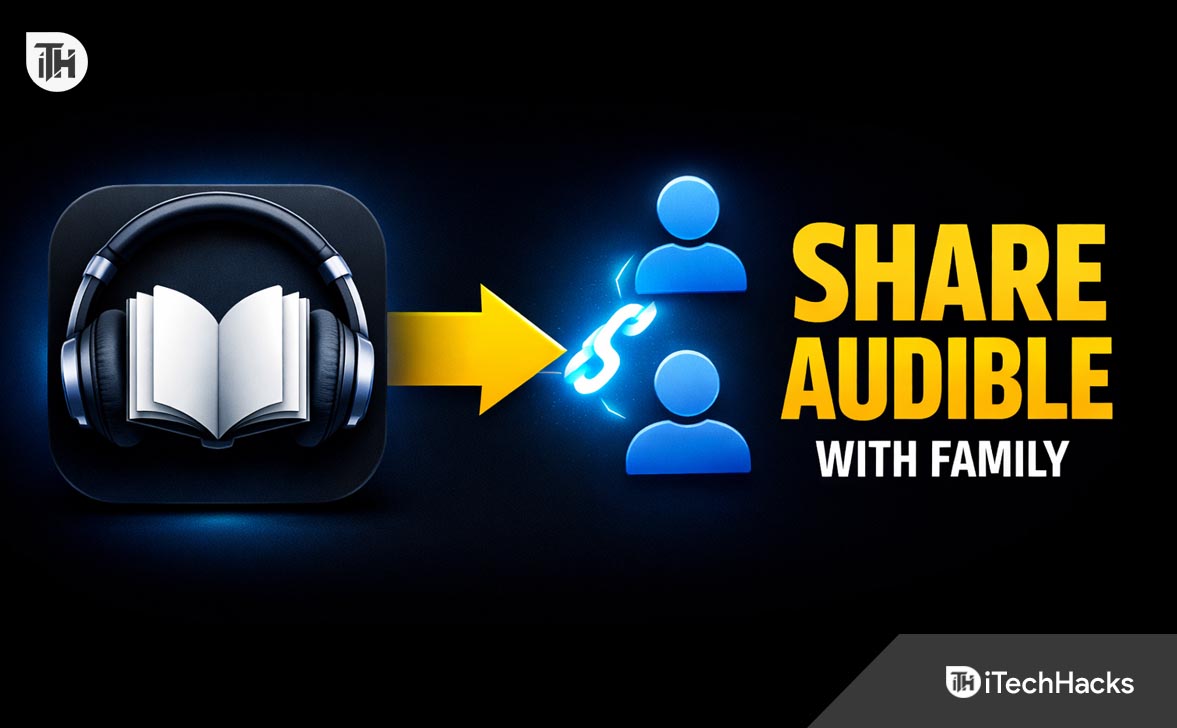
Audible library sharing is a feature that allows you to share your purchased audiobooks with another person using Amazon Household. Instead of copying files or giving away account access, this method connects two Amazon accounts securely.
When set up correctly, both users can access shared audiobooks from their own devices without interfering with each other’s listening progress or recommendations.
This is the only official way Amazon allows users to share Audible books with family members.
What Is Amazon Household?
Amazon Household is a feature that lets you link two adult Amazon accounts and optionally add children or teen profiles. Once linked, you can share certain digital content, including Audible books, Kindle books, and apps.
For Audible specifically, Amazon Household allows:
- Sharing purchased audiobooks
- Access across multiple devices
- Independent listening for each user
- Secure account separation
However, there are strict limits. Only two adult accounts can be linked, and both must agree to share payment methods if full sharing is enabled.
Step 1: Set Up Amazon Household
Start by creating or configuring your Amazon Household.
- Go to your Amazon account settings
- Find the “Amazon Household” section
- Click “Add Adult”
- Enter the email address of the family member
- Send the invitation
The other person must accept the invitation from their email. Once accepted, both accounts are linked.
This step works because Amazon establishes a trusted relationship between both accounts, allowing digital content to be shared securely.
Step 2: Enable Content Sharing
After linking accounts, you need to enable sharing settings.
- Go to “Manage Your Content and Devices”
- Select “Preferences”
- Open “Household and Family Library”
- Turn on sharing for audiobooks
Without enabling this, the system will not display shared Audible books in the other user’s library.
Once everything is set up, the shared user can:
- Open the Audible app
- Sign in with their own Amazon account
- Go to Library
- View shared audiobooks
At this point, they can download and listen to any shared title just like their own purchases.
Before you start sharing, there are a few rules you need to understand. Ignoring these can lead to confusion or limited access.
- Only two adult accounts can share libraries
- You cannot share Audible credits, only purchased books
- Both accounts must remain in the same Household
- Removing a user removes access instantly
- Some regional restrictions may apply
These limitations exist because Audible uses DRM protection to prevent unauthorized distribution of audiobooks.
This is a common question, and many users look for alternative methods. Technically, there are a few workarounds, but most are either limited or not recommended.

1. Logging Into the Same Account
You can sign in to the same Audible account on multiple devices.
However, this approach has downsides:
- Listening progress gets mixed up
- Recommendations become inaccurate
- Account security risk
This method works but is not ideal for long-term use.
2. Downloading and Sharing Files
Audible files are protected by DRM, which means you cannot easily share them like MP3 files.
There are third-party tools that claim to remove DRM, but:
- They may violate Audible terms
- They can break after updates
- They are not reliable for beginners
For most users, sticking with Amazon Household is the safest and easiest option.
If you want to share audiobooks with kids, Amazon Household also supports child profiles.
Steps to Add a Child Profile
- Go to Amazon Household settings
- Select “Add a Child”
- Create a profile with age settings
- Enable content sharing
Once added, you can assign specific Audible books to the child profile.
This works because Amazon filters content based on age and gives parents full control over what the child can access.
WhisperSync is a feature that syncs your progress across devices. When sharing Audible books:
- Each user gets their own progress tracking
- Bookmarks and notes are separate
- No overlap between listeners
This ensures that two people can listen to the same audiobook without affecting each other’s experience.
Best Practices for Sharing Audible Books
If you want a smooth experience while using Audible family sharing, follow these best practices.
Keep Accounts Separate
Always use Amazon Household instead of sharing login credentials. This keeps your data secure and avoids conflicts.
Download Books Individually
Each user should download audiobooks on their own device. This prevents syncing issues and buffering problems.
Use WiFi for Downloads
Audiobooks can be large files. Downloading over WiFi ensures faster and more stable access.
Regularly Check Sharing Settings
Sometimes updates or account changes can disable sharing. Always confirm that content sharing is still active.
Common Problems and Fixes
If you cannot see shared books, check the following:
- Ensure both accounts are linked in Amazon Household
- Confirm audiobook sharing is enabled
- Log out and log back into the Audible app
This usually happens due to sync delays or disabled settings.
If books appear but cannot be played:
- Check regional restrictions
- Update the Audible app
- Redownload the audiobook
In most cases, outdated apps cause playback issues.
Removed Access Suddenly
If shared books disappear:
- Check if Household connection was removed
- Verify account status
- Re-add the user if needed
Access is directly tied to the Household connection.
Frequently Asked Questions
No, Amazon Household allows only two adult accounts. You can add children, but adult sharing is limited to one additional person.
Do Both Users Need an Audible Subscription?
No, only one user needs an Audible subscription. Shared users can listen to purchased audiobooks without subscribing.
No, Audible credits cannot be shared. Only purchased books can be accessed by the other account.
Can We Listen at the Same Time?
Yes, both users can listen to the same audiobook at the same time on different devices without issues.
Is Audible Sharing Free?
Yes, Amazon Household is free to use. There is no extra charge for sharing Audible books.
Final Thoughts
Learning how to share Audible books with family can save money and improve your overall listening experience. Instead of buying multiple copies of the same audiobook, you can share your entire library safely using Amazon Household.
The key is to avoid shortcuts and use the official method. It keeps your account secure, ensures smooth playback, and allows both users to enjoy audiobooks independently.
If you follow the steps in this guide, you’ll be able to share Audible books easily, fix common issues, and make the most out of your Audible subscription in 2026.
ALSO READ: