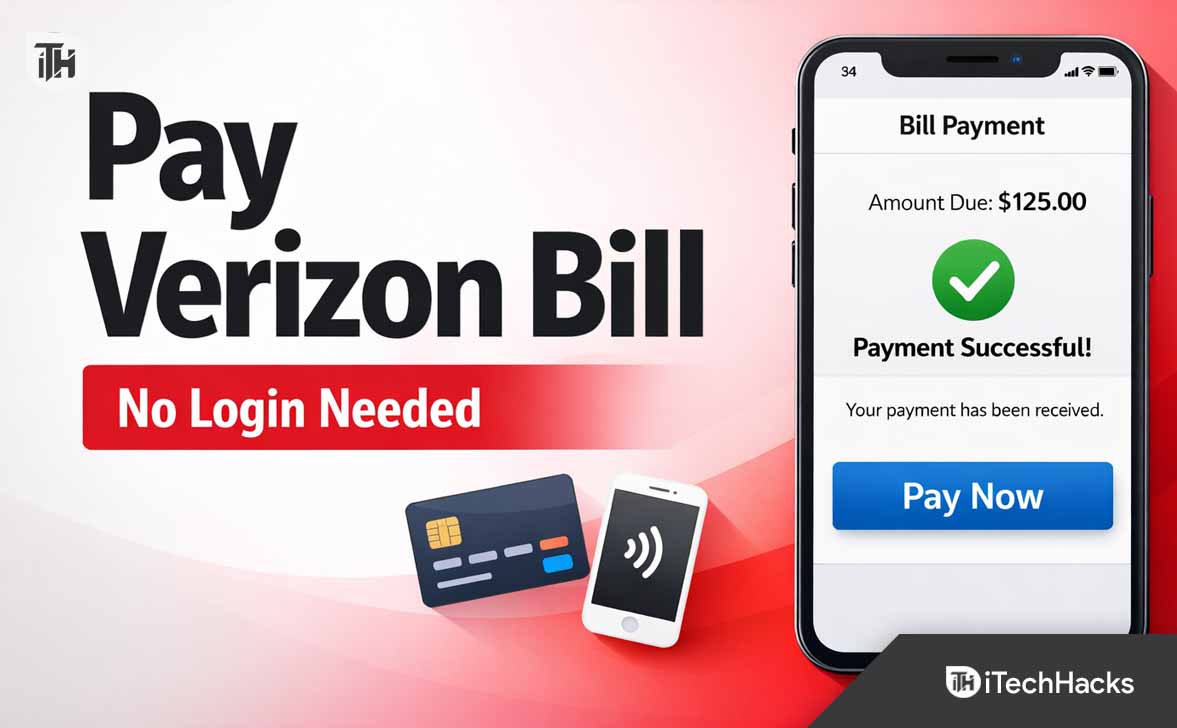
- Verizon offers several easy ways to pay your bill without logging into your account, which is useful if you forgot your password, your account is locked, or you want to help someone else with their payment.
- You can use Verizon Quick Pay by entering your phone number and ZIP code, pay by phone using their automated system, or visit a Verizon store for in-person payments without needing to sign in.
- To pay without logging in, you need your Verizon phone number, billing ZIP code, and a payment method, ensuring a safe and quick process using official Verizon channels.
Many Verizon customers occasionally need to pay their bill quickly but cannot access their account. Sometimes you may forget your password, your account may be locked, or you simply want to make a fast payment without signing in. The good news is that Verizon provides several ways to pay Verizon bill without logging in.
These quick payment options are designed for convenience and are especially useful when you are in a hurry, helping someone else make a payment, or using a shared computer where logging in may not be safe.
In this guide, you will learn multiple reliable methods to pay Verizon bill without logging in, including the Verizon Quick Pay system, phone payments, in-store payments, and other alternatives. Each method is explained in simple steps so anyone can follow along easily.
Why Someone Might Need to Pay Verizon Bill Without Logging In
There are several situations where customers prefer not to log in when making a payment. Verizon understands this and provides quick payment tools for convenience.
Common reasons include:
- You forgot your Verizon account password
- Your account is temporarily locked
- You want to make a payment quickly
- You are helping a family member pay their bill
- You are using a public or shared computer
- You only want to make a one-time payment
How to Make a Verizon Payment Without Logging In (Quick Pay Guide)
Instead of recovering your account credentials, you can simply use the official quick payment system to pay Verizon bill without logging in.
Method 1: Use Verizon Quick Pay (Best Way)
The easiest way to pay Verizon bill without logging in is through the Verizon Quick Pay page. This option allows customers to make a one-time payment without accessing their Verizon account dashboard.
Steps to Pay Using Verizon Quick Pay
- Open the Verizon Quick Pay page in your browser
- Enter your Verizon mobile number or account number
- Confirm the billing ZIP code
- Select the payment amount
- Enter your payment method
- Submit the payment
You can use several payment methods through Quick Pay, including:
- Debit card
- Credit card
- Bank account (ACH)
This method is widely used by customers who want to pay Verizon bill without logging in because it takes only a few minutes.
Why Quick Pay Works Well
Quick Pay is specifically designed for one-time payments. Verizon only requires basic information such as your phone number and ZIP code to locate your account securely. This eliminates the need to sign in or reset passwords.
Once the payment is submitted, Verizon immediately processes the transaction and updates your balance.
Method 2: Pay Verizon Bill by Phone Without Logging In
If you do not want to use the website, you can also pay Verizon bill without logging in by calling Verizon’s automated payment system.
Steps to Pay via Phone
- Call Verizon customer service at #PMT from your Verizon phone
- Or dial 800-922-0204 from any phone
- Choose the billing or payment option
- Enter your Verizon mobile number
- Follow the automated instructions
- Enter your payment details
The automated system allows you to make a payment without speaking to a representative. This is one of the fastest ways to pay Verizon bill without logging in if you prefer using your phone.
Payment Methods Accepted by Phone
- Debit cards
- Credit cards
- Bank account payments
Once your payment is processed, you will receive confirmation via SMS or email.
Method 3: Pay Verizon Bill in Person
Another simple way to pay Verizon bill without logging in is by visiting a Verizon store or authorized payment location.
This option is useful if you prefer cash payments or need assistance from a representative.
Steps to Pay in a Verizon Store
- Visit the nearest Verizon retail store
- Provide your Verizon phone number
- Tell the representative you want to make a payment
- Choose your payment method
- Receive a payment receipt
Payment Methods Available in Store
- Cash
- Debit card
- Credit card
- Money order
This is a reliable option if you are unable to access the internet or want help completing the payment.
Method 4: Pay Verizon Bill Through Verizon Pay Kiosks
Some Verizon stores and authorized locations include self-service payment kiosks. These machines allow customers to pay Verizon bill without logging in by simply entering their phone number.
Steps to Use a Verizon Payment Kiosk
- Visit a Verizon store with a payment kiosk
- Enter your Verizon phone number
- Confirm account details
- Insert your card payment
- Complete the transaction
These kiosks are convenient because they allow quick payments without waiting in line for assistance.
Method 5: Pay Verizon Bill Using the Verizon App (Guest Payment)
The Verizon mobile app also allows guest payments in certain cases. This means you can sometimes pay Verizon bill without logging in by entering your phone number and billing information.
However, this option may vary depending on your account type and location.
Steps to Try Guest Payment
- Open the Verizon mobile app
- Select the option for guest payment
- Enter your Verizon phone number
- Confirm billing details
- Enter payment information
- Submit payment
If guest payment is not available, the Quick Pay website remains the easiest option.
Additional Tips When Paying Verizon Bill Without Logging In
Before making a payment, keep these tips in mind to avoid common issues.
Make Sure Your Information Matches
When using Quick Pay or phone payments, Verizon verifies your account using your phone number and billing ZIP code. Make sure these details match exactly with your account information.
Keep Your Payment Confirmation
Always save the payment confirmation page or email receipt. This helps in case you need proof of payment later.
Allow Time for Payment Processing
Most payments process immediately, but bank transfers may take one or two business days. If your service is suspended, card payments usually restore service faster.
Avoid Third-Party Payment Websites
Only use official Verizon payment options. Some third-party websites claim to allow bill payments but may charge extra fees or pose security risks.
Common Problems and Fixes
Quick Pay Cannot Find Your Account
If Quick Pay cannot locate your account, double check your phone number and ZIP code. If the problem continues, try entering your Verizon account number instead.
Payment Is Declined
This usually happens when:
- The card has insufficient funds
- The billing address does not match
- Your bank blocks the transaction
Try using a different payment method or contact your bank.
Payment Did Not Reflect Immediately
Card payments normally update your balance quickly. If the balance does not change after several minutes, refresh the page or wait for confirmation email before trying again.
Frequently Asked Questions FAQs
Can I pay Verizon bill without logging in?
Yes. Verizon provides a Quick Pay option that allows you to make a one-time payment without signing in to your account.
Is it safe to pay Verizon bill without logging in?
Yes, as long as you use Verizon’s official payment methods such as the Quick Pay page, automated phone system, or Verizon retail stores.
Can someone else pay my Verizon bill?
Yes. Anyone can make a payment using Quick Pay if they have your phone number and billing ZIP code.
What information is required to pay Verizon bill without logging in?
You typically need:
- Your Verizon phone number
- Your billing ZIP code
- A valid payment method
Does Verizon charge a fee for Quick Pay?
Most online Quick Pay transactions are free. However, certain payment types through customer support may include a small processing fee.
Final Thoughts
If you need to make a payment quickly, Verizon offers several convenient options to pay Verizon bill without logging in. The Verizon Quick Pay page remains the fastest method, allowing customers to complete a one-time payment in just a few minutes.
Phone payments, retail store payments, and payment kiosks also provide reliable alternatives when you cannot access your Verizon account.
Knowing these options ensures you can always pay your bill on time, even if you cannot sign in to your account. By using official Verizon payment channels, you can complete the process safely and keep your service active without unnecessary delays.
ALSO READ: