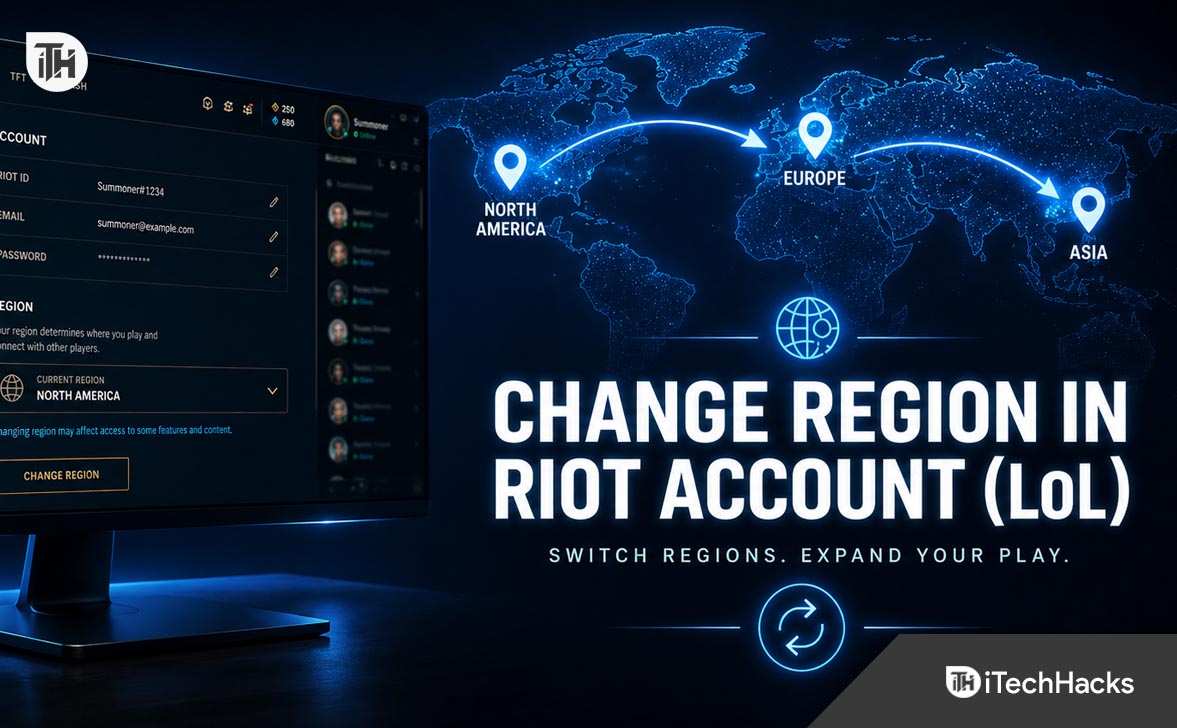
- Changing your Riot account region in League of Legends depends on whether you want to move your gameplay server or correct your account's country or payment settings. Use the official account transfer in the League client to switch servers, or contact Riot Support for region-of-residence changes.
- There are different ways to change your region: transfer your League of Legends server with RP in the client if available, update your Riot account's region of residence through support, or create a new account in another region, though this may not carry over existing progress and unlocked content.
Changing your Riot account region in League of Legends sounds simple, but in 2026 it still depends on one important thing: what you actually want to change. Many players confuse Riot account region, League of Legends server region, and region of residence. These are related, but they are not exactly the same.
If you moved to another country, want to play with friends on another server, created your account in the wrong region, or cannot access the correct store currency, this guide explains everything clearly. Below, you will learn how to change region in Riot account League of Legends, what transfers do, what they do not change, and what to do if the option is missing.
What Does Region Mean in Riot Account League of Legends?
Before changing anything, it is important to understand the difference between Riot account region and League of Legends server region.
Your League of Legends server region is the server where your League account data is stored. This affects who you can play with, your ping, ranked ladder, friends list, store access, and regional matchmaking.
Your Riot account region of residence is linked to where Riot believes you live. This can affect payment methods, store currency, login services, and some account-related settings.
In simple words, if you want to play League of Legends on another server, you usually need an account transfer. If your country or payment region is wrong, you may need to update your region of residence through Riot Support.
Can You Change Region in Riot Account League of Legends in 2026?
Yes, you can change your League of Legends region, but it is not always free and not every region is available for every account. Riot allows account transfers between supported League of Legends servers through the League client when transfers are enabled.
However, Riot can temporarily disable transfers during major updates, ranked season changes, server maintenance, or regional changes. If you do not see the transfer option, it does not always mean your account is broken.
How to Change Region in Riot Account League of Legends
Method 1: Change League of Legends Region Using Account Transfer
This is the main method if you want to move your League of Legends account to another server.
- Open the League of Legends client.
- Log in with your Riot account.
- Click the Store icon.
- Click the Account icon inside the store.
- Look for the Server Transfer or Account Transfer option.
- Select the region you want to transfer to.
- Review the transfer warning carefully.
- Confirm the transfer using RP if the option is available.
This method changes your League of Legends server region. For example, you may move from EUW to EUNE, NA to another supported server, or another available region depending on Riot’s current transfer rules.
Important Things Before You Transfer
Do not transfer quickly without checking what changes. A League of Legends region transfer can affect ranked progress, Clash eligibility, friends list, honor progress, profile data, and server-specific content.
Your champions, skins, RP, Blue Essence, emotes, and most owned content usually transfer, but ranked placement and social data may not behave exactly the same after moving. Always read Riot’s transfer warning before confirming.
Method 2: Change Riot Account Region of Residence
If your Riot account shows the wrong country or payment region, changing the League server may not fix it. In that case, you need to update your Riot account region of residence.
To do this:
- Go to Riot’s official support website.
- Log in with your Riot account.
- Search for change region of residence.
- Use Riot’s eligibility tool if available.
- If automatic change is not available, submit a support ticket.
- Explain your issue clearly, such as wrong country, moved permanently, wrong payment currency, or account created in the wrong region.
This method is useful when the account country is incorrect, the store currency is wrong, payment options do not match your real location, or Riot services are showing the wrong region.
Method 3: Create a New Riot Account in Another Region
If transfers are disabled or your desired region is not supported, creating a new Riot account is another option. This is not ideal because you will start from zero, but it works if you only want to play with friends in another region.
When creating a new Riot account, select the correct region during account setup. After that, install League of Legends and log in with the new account.
The downside is clear: your skins, champions, level, ranked history, and unlocked content will not move to the new account. This method is best only for casual play or testing another region.
Why You May Not See the Region Change Option
If you cannot find the transfer option in League of Legends, these are the most common reasons:
- Account transfers are temporarily disabled.
- Your current region does not support transfer to the selected region.
- You recently transferred and may be under a cooldown period.
- Your account has restrictions, penalties, or unresolved issues.
- The League client store is bugged or not loading correctly.
- Riot is performing maintenance or regional service updates.
First, restart the Riot Client and League client. Then check again from the store account section. If the option is still missing, submit a ticket to Riot Support instead of using third-party tools or unsafe region-change tricks.
Can You Change Riot Region for Free?
Sometimes Riot may allow a free region of residence correction if your account region is genuinely wrong. This is different from a paid League of Legends server transfer.
If you simply want to move your League account to another gameplay server, that usually requires RP when transfers are available. If Riot made a mistake or your account country is incorrect, support may help depending on eligibility.
Does VPN Help Change Riot Account Region?
A VPN is not a proper way to change your League of Legends account region. It may change your visible IP location, but it does not safely move your League account, ranked data, skins, or server profile.
Using a VPN may also cause login problems, payment mismatch issues, higher ping, or security checks. If you want a permanent region change, use Riot’s official transfer system or contact Riot Support.
What Changes After a League of Legends Region Transfer?
After transferring your account, your League profile moves to the selected region. You should expect changes in matchmaking, ping, regional ladder, store availability, and social features.
Some things may transfer smoothly, while some region-specific progress can reset or change. Ranked progress is one of the biggest things to check before transferring. If you are actively climbing ranked, it is better to transfer after reading Riot’s latest transfer notice inside the client.
Common Problems and Fixes
Transfer Option Not Showing
Restart the League client, update the Riot Client, and check the store again. If it still does not show, transfers may be disabled or unavailable for your region.
Wrong Country Showing in Riot Account
Use Riot’s region of residence support page. If automatic detection does not work, submit a ticket and explain your situation clearly.
High Ping After Region Change
This usually happens when you transfer to a server far from your physical location. Region transfers change the server, but they cannot reduce distance-based latency.
Cannot Play With Friends After Transfer
You can only play League of Legends with players on the same server region. If your friends are on EUW and you are on NA, one of you must create an account or transfer to the same region.
Payment Currency Is Wrong
This is usually related to Riot account region of residence, not only League server region. Contact Riot Support if the account country or payment currency is incorrect.
Best Tips Before Changing Region in Riot Account League of Legends
- Check your current server before transferring.
- Confirm where your friends play.
- Check expected ping for the new region.
- Use all active transfer warnings inside the client.
- Do not transfer during ranked grind unless necessary.
- Avoid VPN-based tricks for permanent region changes.
- Contact Riot Support if your country or payment region is wrong.
Frequently Asked Questions
How do I change region in Riot account League of Legends?
Open League of Legends, go to Store, click the account icon, and check for the server transfer option. If you need to change your account country or region of residence, use Riot Support.
Can I change League of Legends region without losing skins?
Most owned content such as skins and champions usually transfers, but some progress and region-specific data may change. Always read the transfer warning before confirming.
Why can’t I change my League of Legends region?
The transfer feature may be disabled, your account may not be eligible, your desired region may not be supported, or your account may have a cooldown or restriction.
Can I use VPN to change Riot account region?
A VPN is not the correct method. It does not properly transfer your League account and may cause login, payment, or security problems.
Is changing Riot account region free?
Changing region of residence may be free if your account region is wrong and Riot approves it. League of Legends server transfers usually require RP when available.
Final Thoughts
Changing region in Riot account League of Legends in 2026 depends on whether you want to move your gameplay server or correct your account country. For playing on another League server, use the official account transfer option inside the League client. For wrong country, payment currency, or region of residence issues, contact Riot Support.
The safest method is always Riot’s official system. Avoid VPN tricks, random third-party tools, or unofficial region-change methods because they can create more problems than they solve. Before transferring, check your ping, ranked progress, friends list, and transfer warnings so you do not regret the move later.
ALSO READ: