- Many people struggle with activating their Bank of America debit card online due to identity verification issues or mismatches in card details. The process requires checking account identity, card information, and system rules to smoothly link the card to the customer's profile.
- For smooth activation, visit the Bank of America website or mobile app, enter your card's number, expiration, CVV, and related details accurately. If online methods fail, alternative options include using an ATM or calling a phone number for activation.
- If you face issues, ensure your card information matches the system's records, use a recognized device without VPN, and check for any account restrictions. If problems persist, customer support can assist in manually activating your card.
Many new customers run into problems when they try to Activate Bank of America Debit Card Online. The activation flow is usually straightforward, but various account, card, identity, and system related issues can interrupt that process. When the online portal refuses to activate the card, the bank does not clearly show what went wrong, which leaves customers confused about the next steps.
This guide covers every technical and non technical reason that prevents successful activation. It explains how the Bank of America online verification system works in 2025, the role of account identity checks, common errors that block activation, and the safest ways to complete the process.
Online debit card activation has evolved. Banks rely on multiple layers of verification before linking a physical card to a customer profile. When you try to Activate Bank of America Debit Card Online, the system connects your issued card details with identity records, account metadata, and fraud rules. If anything does not match the required criteria, activation fails.
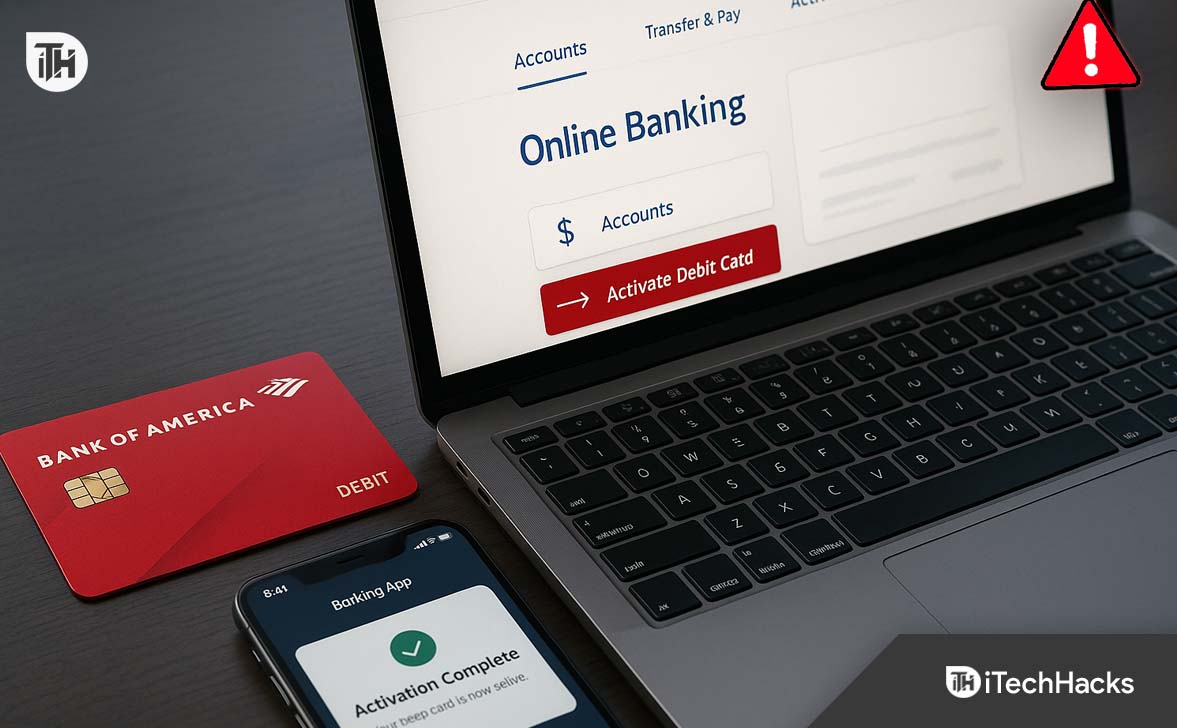
Key points in the activation flow:
- The system compares your card number, expiration, and CVV with the card profile Bank of America created for you.
- It verifies your login identity and checks if your account has strict security flags.
- It checks for mismatches in ZIP code, phone number, or SSN associated with the account.
- It requires recent account changes to settle before accepting activation (for example, after changing your phone number or email).
- It may block activation if the card was recently replaced due to suspected fraud.
How to Activate Bank of America Debit Card Online
Activate Bank of America Debit Card Online through the Website
This is the standard method most users follow.
Step 1: Visit the Official Website
Go to the official Bank of America site and sign in using your Online Banking ID and Passcode. Make sure you are on the secure HTTPS domain.
Step 2: Confirm Your Identity
Bank of America may ask for:
- A SafePass code sent to your phone
- Security questions
- Verification through email
Complete whichever prompt appears on your screen.
Step 3: Open the Debit Card Management Page
Once you are logged in:
- Go to Accounts
- Select the account linked to the new debit card
- Scroll to Manage Card Settings
- Click Activate Debit Card
If you have multiple cards, select the correct one before pressing Activate.
Step 4: Enter Card Details
You will be required to input:
- Complete card number
- Expiration date
- CVV (3 digit code)
- ZIP code linked to the account
Double check every number. A single mismatch prevents activation.
Step 5: Submit and Wait for Confirmation
Once confirmed, the system links the debit card to your account. Activation usually completes instantly. Your card becomes fully usable for:
- ATM withdrawals
- Online purchases
- In store POS transactions
- Mobile wallet setup
- If confirmation does not appear within seconds, refresh the page or check the card under your account dashboard.
Activate Bank of America Debit Card through the Mobile App
The mobile app has a more stable activation flow.
Step 1: Open the Bank of America App
Sign in using your Online Banking credentials.
Step 2: Go to Your Debit Card
On your home screen:
- Tap the checking account linked to the card
- Tap the debit card image or settings icon
Step 3: Select Activate Card
The app automatically pulls your card details. Tap Activate.
Step 4: Complete Verification
The app may request:
- SafePass code
- Face ID or fingerprint
- SMS authentication
Finish the verification prompt.
Step 5: Activation Complete
You will see a success message on the screen confirming the card has been activated. The card becomes fully functional instantly.
Activate Using the Bank of America Phone System (Backup Method)
Use this method only if online activation fails.
Step 1: Call the Official Activation Number
Use the number printed on the card sticker.
Step 2: Enter the Required Details
The automated system will ask for:
- Card number
- CVV
- Last 4 digits of SSN
- ZIP code
Step 3: Complete the Activation
Follow the voice prompts. Before ending the call, the system confirms your card is active.
Activate at a Bank of America ATM
This works only if your card is already partially verified in the system.
- Insert your card into a Bank of America ATM
- Enter the PIN (the one mailed separately or set during ordering)
- The ATM recognizes your card and activates it automatically
This method also updates card status faster than the online portal when there are backend delays.
Cannot Activate Bank of America Debit Card Online? Solutions
Below is a full set of tested solutions used by professionals when dealing with customers who are unable to Activate Bank of America Debit Card Online. Follow each step carefully. The sequence matters, because it addresses the problems in logical order.
Confirm the Card Details Are Correct
Before starting troubleshooting, confirm that the information printed on the card matches the system record.
- Correct card number (no digit mismatch)
- Expiration date
- CVV code
- Card issued in your name
- Card activation sticker still attached (if any)
If you have recently received the card, wait a few hours. Many new cards need time to register in the system.
Sign In Using a Verified Device
Use a device that Bank of America already recognizes. This increases your chances of successful activation.
- Use the device you typically use to log in
- Avoid VPN or proxy
- Connect to a private home network
- Do not use public WiFi
- Ensure your phone number is accessible for verification code prompts
If the system requests additional verification, complete it.
Clear Login or Profile Restrictions
Account restrictions are a primary reason why customers cannot Activate Bank of America Debit Card Online.
To clear them:
Check your profile security alerts inside online banking:
-
Look for messages that say:
-
Identity verification needed
-
Suspicious activity detected
-
Information needs updating
-
Confirm contact details
-
Update missing details:
- Phone number
- Mailing address
- SSN corrections
- Name spelling
If you updated anything recently, wait 24 hours before attempting activation again.
Use the Official Activation Page Only
Many users mistakenly try to activate through unrelated links. Bank of America uses a single secure portal.
- HTTPS
- Official bank domain
- Verified certificate
- Current page layout (not outdated)
Avoid using third party apps or unofficial websites.
Disable Browser Barriers
Your browser can block activation scripts.
- Allow cookies
- Enable JavaScript
- Disable content blockers
- Update the browser to the latest version
- Try switching to Chrome or Safari for best compatibility
If your browser is heavily modified, use a clean private window with no extensions.
Use the Mobile Banking App Instead of Browser
The official Bank of America mobile app includes built in card activation. This method bypasses many browser issues.
- Open the Bank of America mobile app
- Sign in
- Go to the debit card section
- Select Activate
- Enter any required verification prompts
If activation fails here, it indicates a backend or identity related issue, not a technical one.
Complete SafePass Verification
SafePass is required for almost all sensitive actions in 2025. If your SafePass is not working, you cannot Activate Bank of America Debit Card Online.
- Ensure your mobile number is correct
- Keep your phone signal active
- Turn off call forwarding
- Disable spam blocking apps
- Make sure your phone is not in Do Not Disturb mode
Once SafePass works, retry activation.
Check for Fraud or Replacement Flags
If your card was reissued due to fraud alerts, the system may block activation temporarily.
- The bank asks extra questions
- Verification delays
- Request to visit a branch
- Phone call confirmation required
Call customer support only when you reach this stage. They can manually clear the fraud block.
Check If the Card Is Too Old or Already Expired
Some customers receive replacement cards and forget to activate them quickly. If the card is old or close to expiration, activation may fail.
Replace the card if it is nearing validity expiration.
Contact Bank of America Support for Manual Activation
For accounts with strict security rules or complex identity histories, the bank must activate the card manually.
- Multiple failed attempts
- Fraud alerts on your profile
- Stuck identity verification
- Suspended online banking
- Device recognition issues
- Card replaced due to compromised credentials
Customer care can verify your identity and complete activation on behalf of you.
Advanced Troubleshooting for Users Still Unable to Activate Bank of America Debit Card Online
If you reached this point and activation still fails, the issue is likely technical or profile related. Below are the deeper factors that most customers are unaware of.
1. Delayed Card Linking After Address Change
If you changed your primary mailing address recently, the card profile may still be linked to the old address. Activation fails until the bank updates all backend fields.
2. Multiple Debit Cards on the Same Account
If you have:
- Joint accounts
- Secondary cards
- Add on cards
The system may confuse which card you are trying to activate unless you select the correct one inside the dashboard.
3. A Freeze or Hold on the Account
Temporary holds can block activation. Most common examples:
- Large suspicious deposits
- IRS related alerts
- Overdraft account restrictions
- Pending identity review
- Closed and reopened accounts
The card can only be activated once the restriction is lifted.
4. The Card Was Flagged During Delivery
If the postal service reported your debit card envelope as damaged, missing, or delayed, the bank may automatically block that specific card for safety reasons.
5. Technical Backlog in Card Manufacturing System
During peak seasons or national holidays, the internal system may update slower than usual.
Waiting a few hours usually resolves this issue.
Preventive Measures to Avoid Activation Problems in the Future
A few proactive steps will help ensure you never face problems when you try to Activate Bank of America Debit Card Online again.
Maintain accurate identity records
Always keep your phone number, email, and mailing address updated.
Avoid frequent changes
Frequent profile changes create suspicion and delay activation.
Do not activate from public WiFi
Use only secure networks and verified devices.
Enable two factor authentication
This completes the verification quickly during activation.
Monitor alerts carefully
Resolve all notifications inside your online banking dashboard before attempting activation.
Frequently Asked Questions
1. Why am I unable to Activate Bank of America Debit Card Online even after entering the correct details?
This usually happens due to identity verification issues or a mismatch between your card details and your online banking profile. It can also occur if your device is not recognized or if your account has restrictions. Follow the troubleshooting steps above to locate the exact cause.
2. How long does it take for a Bank of America debit card to be ready for activation?
Most cards are ready as soon as they arrive, but some take a few hours for backend processing. Cards issued during high volume periods may take longer before the system recognizes them.
3. Can I activate my Bank of America debit card without signing in online?
Yes. You can activate it through the mobile banking app, by calling the official phone activation number, or by using customer service. Online activation is convenient, but not the only method.
4. Does changing my phone number affect card activation?
Yes. If you recently changed your phone number, SafePass verification may fail. The system may block activation for up to 24 hours until the updated details stabilize.
5. Can a debit card be activated while my account is on hold?
No. If the account has any restrictions, temporary holds, or identity verification flags, activation will not work online.
Conclusion
When you are unable to Activate Bank of America Debit Card Online, the issue almost always connects to identity verification, device recognition, or internal system delays. The bank uses strong security filters to prevent unauthorized activation, so even small mismatches can interrupt the process.
ALSO READ:
- How to Activate Truist Debit Card at truist.com/activate
- Can’t Activate Code on discoveryplus.com/link? Here’s How to Fix & Activate Discovery Plus
- How to Activate UKTV Play Enter Your Code at u.co.uk/activate
- How to Activate Indigo Mastercard at Indigocard.com & Set Up Login
- How to Login YouTube at Yt.be Activate with TV Code