- You can listen to Spotify in certain Audi cars without using your phone, thanks to a new app that works directly in the car's infotainment system. This setup lets you play music and podcasts without requiring a phone connection via Bluetooth or other methods.
- Only specific recent Audi models, like the Audi A5 and Audi Q5, support this new Spotify feature, which includes extras like real-time lyrics and Spotify DJ. To use Spotify, you need a compatible Audi, an active internet connection, and either a Free or Premium Spotify account.
Want to listen to Spotify in your Audi without connecting your phone through Bluetooth, Apple CarPlay, or Android Auto? You can now do exactly that on supported Audi models, thanks to Spotify’s new native in-car app.
Recently, Audi and Spotify introduced a fully integrated Spotify experience that runs directly through the car’s infotainment system. This means you can stream your favorite songs, playlists, and podcasts without keeping your smartphone connected to the vehicle.
The new integration also brings features such as Spotify DJ, real-time lyrics, music videos, and Spotify Jam to compatible Audi vehicles. However, not every Audi model supports the latest version, and you still need an active internet connection in your car.
In this guide, we’ll explain how to use Spotify in your Audi without your phone, which models are compatible, how to activate the app, and what to do if Spotify isn’t working.
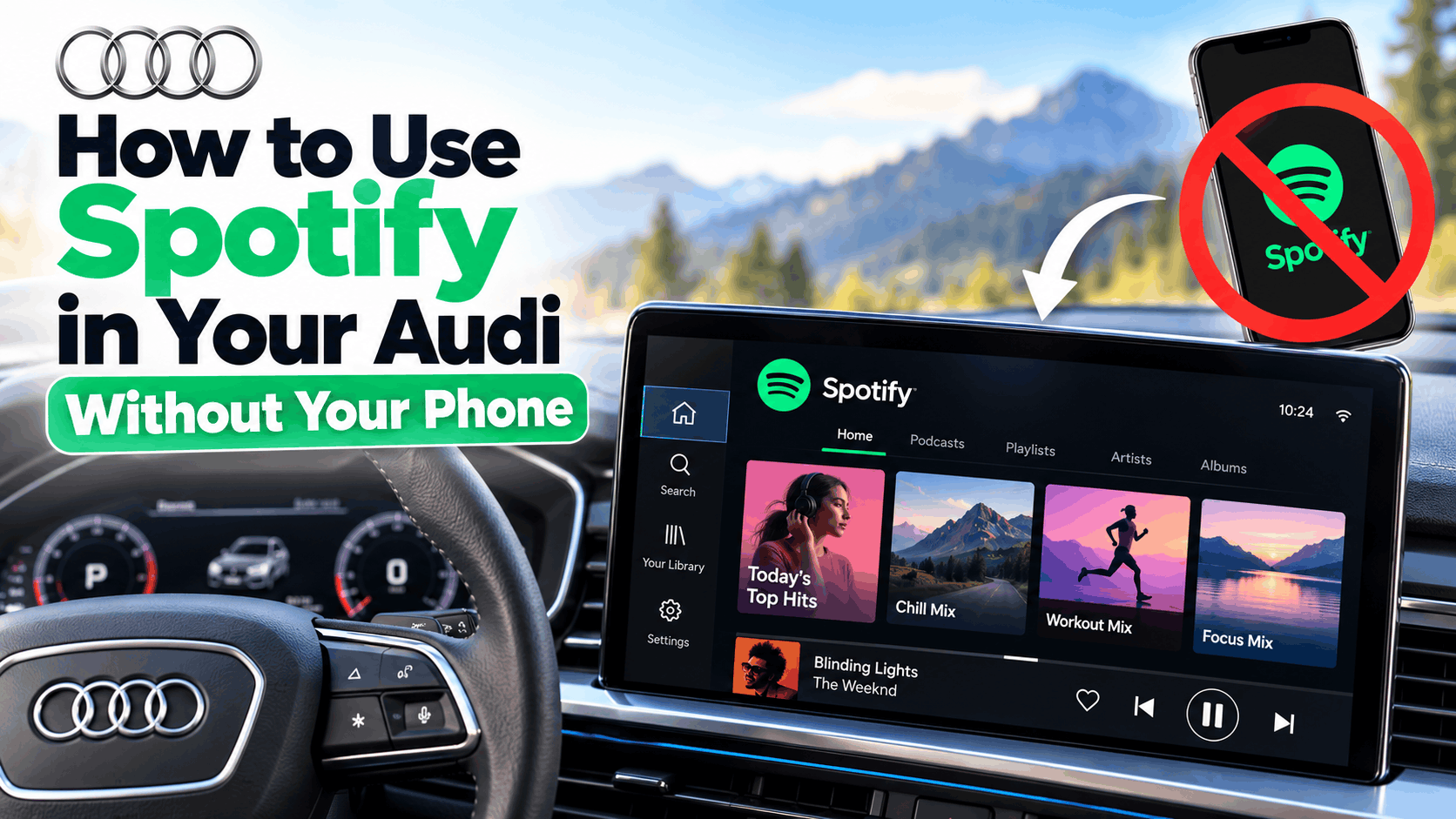
Can You Use Spotify in an Audi Without a Phone?
Yes. Supported Audi vehicles can run Spotify directly through the built-in MMI infotainment system without requiring a connected smartphone. You don’t need Bluetooth pairing, a USB cable, Apple CarPlay, or Android Auto to stream music once Spotify is configured.
Previously, many Audi drivers relied on their smartphones to access Spotify. Although Audi has offered embedded music apps in selected vehicles for several years, the latest native Spotify integration provides a more complete experience designed specifically for the car.
The new application works with Audi’s Android Automotive OS-based infotainment system. Unlike Android Auto, which projects compatible smartphone apps onto the dashboard, Android Automotive OS runs directly inside the vehicle.
There is one important distinction: you may need a phone, tablet, or computer for the initial Spotify account sign-in. After authentication, the car can stream Spotify independently using its own internet connection.
Which Audi Models Support Spotify Without a Phone?
Spotify’s new native application became available for compatible Audi vehicles built on the Premium Platform Electric (PPE) and Premium Platform Combustion (PPC) architectures.
The initial supported lineup includes:
- Audi A5: Supported new-generation models from model year 2026.
- Audi Q5: Compatible models equipped with the latest infotainment architecture.
- Audi A6: New-generation models from model year 2026.
- Audi A6 e-tron: Compatible electric models with the Android Automotive-based infotainment system.
- Audi Q6 e-tron: Compatible electric SUVs with the latest Audi Application Store.
Audi has also announced support for the upcoming Q7 and Q9 models at their respective market launches.
The native Spotify app is being introduced across 47 Audi markets worldwide, although regional availability can vary.
Important: Having an Audi A5, A6, or Q5 does not automatically mean your vehicle supports the new Spotify app. Compatibility depends on the model year, infotainment generation, equipment, software version, and country.
Some older Audi vehicles also have an Audi Application Store with an earlier Spotify integration. These versions may support phone-free streaming, but they won’t necessarily include all the newly introduced features.
What Do You Need Before Setting Up Spotify?
Before installing Spotify in your Audi, make sure you have the following:
- Compatible Audi MMI: Your vehicle must support the Audi Application Store and an appropriate version of Spotify.
- Spotify account: Both Spotify Free and Premium accounts are supported by the new native app.
- Active vehicle internet connection: Spotify needs access to the internet through the vehicle’s supported data service.
- myAudi account: Required for accessing the Audi Application Store and related connected services.
- Initial sign-in device: A smartphone, tablet, or computer can be used to authorize your Spotify account.
Depending on your vehicle and country, an Audi connect subscription or separate vehicle data package may be required. Make sure these services are active before attempting to stream music.
How to Install and Use Spotify in Your Audi Without Your Phone
Once you’ve confirmed that your Audi supports the built-in Spotify app, the setup process is straightforward. Complete these steps while your vehicle is safely parked.
Step 1: Open the Audi Application Store
- Switch on your Audi and wait for the MMI infotainment system to load.
- Open the main application menu on the center display.
- Find and select the Audi Application Store.
- Open the Music category or use the available search function.
- Look for Spotify in the list of compatible applications.
The Audi Application Store lets you install supported third-party apps directly into the infotainment system rather than downloading them to a smartphone.
If you cannot find the store, check whether your vehicle supports it and whether the required connected services are activated.
Step 2: Install or Update Spotify
- Select Spotify from the Audi Application Store.
- Choose the installation option if Spotify isn’t already installed.
- If an update is available, install the latest supported version.
- Allow the application to finish installing.
- Open Spotify from the MMI application menu.
The Spotify application itself is free to download. However, the vehicle may require a paid connectivity service to stream music.
If Spotify was already installed, updating it may provide access to the newer interface and additional features, provided your vehicle is eligible.
Step 3: Sign In to Your Spotify Account
When you open Spotify for the first time, the car will display account authentication instructions.
- Open Spotify on your Audi’s infotainment screen.
- Look for the QR code or pairing code displayed on the screen.
- Scan the QR code using your smartphone or another compatible device.
- Alternatively, open spotify.com/pair on a phone, tablet, or computer.
- Sign in to your Spotify account and enter the code shown in your Audi.
- Follow the authorization instructions to complete pairing.
After successful authentication, your Spotify account will be linked to the vehicle’s application.
You only need the external device for authentication. Once Spotify is signed in, you can use the app without pairing your phone to the car or keeping it nearby.
Step 4: Play Music Directly From Your Audi
Once your account is connected, Spotify should display your available listening content on the MMI screen.
- Open Spotify from the infotainment menu.
- Browse your saved playlists, albums, artists, and recommendations.
- Select a song, playlist, or podcast.
- Tap Play to start streaming through your Audi’s speakers.
- Use the infotainment controls, steering-wheel buttons, or supported voice commands to manage playback.
Spotify can also resume your listening experience when you return to the vehicle, making it easier to continue music from a previous journey.
You can now leave your phone at home and still listen to Spotify, provided your vehicle’s internet connection remains active.
How to Control Spotify Using Audi Voice Commands
One of the biggest advantages of the new Spotify integration is its support for Audi’s built-in voice controls.
On compatible vehicles, you can activate the Audi assistant by saying “Hey Audi” or using the available voice-control button.
Depending on the vehicle’s software, language, and supported commands, you can request music playback or control basic listening functions without touching the center display.
This can help reduce distractions when driving, especially when you want to change music or manage playback.
Some Spotify functions may still require touchscreen interaction while parked. Voice-command availability can vary by model and region.
New Spotify Features Available in Supported Audi Cars
The new update introduces more than basic music playback. Audi and Spotify have designed a native experience that makes better use of the car’s infotainment system and available passenger displays.
1. Spotify DJ
Spotify DJ offers personalized music recommendations based on your listening preferences. On supported vehicles and accounts, you can access the feature directly through Spotify’s in-car interface.
You can also interact with supported Spotify DJ controls using voice input. This makes it easier to discover music without spending time browsing playlists.
2. Real-Time Song Lyrics
Compatible Audi vehicles can display synchronized Spotify lyrics while music is playing.
For safety reasons, lyrics are not displayed on the main center screen while the vehicle is moving. They become available when the car is parked.
Vehicles with a supported front passenger display may allow passengers to view lyrics while the car is moving.
3. Spotify Music Videos and Video Podcasts
The native application also supports video experiences, including eligible music videos and video podcasts.
When the Audi is parked, you can watch supported video content on the main infotainment display. This can be useful while waiting in the vehicle or charging an electric Audi.
Video playback on the center display is restricted while driving. In compatible vehicles, passengers can continue watching supported content on their dedicated passenger display.
4. Spotify Jam for Passengers
Spotify Jam allows multiple people to contribute songs to a shared listening queue.
Passengers can scan a QR code from the vehicle’s Spotify interface and join the listening session through their own devices.
This is particularly useful during road trips when everyone wants to choose music. Spotify Premium is required to host a Jam, although Free users can join eligible in-person sessions.
Does Spotify in Audi Require Premium or an Internet Subscription?
You do not need Spotify Premium simply to use the new native Audi application. Spotify has confirmed that the integration supports both Free and Premium listeners.
However, the listening experience depends on your subscription. Premium provides benefits such as ad-free music, while free accounts retain their applicable restrictions.
More importantly, phone-free Spotify streaming still requires an internet connection. The vehicle must have a working data service capable of supporting the application.
In the United States, compatible vehicles may use Audi connect PLUS. Audi offers a six-month trial with eligible new model-year 2026 vehicles, after which a paid subscription may be required to continue supported services.
Pricing and data allowances vary by country, model, and service package. You can check the available connected services by signing in to myAudi and selecting your vehicle.
Can You Listen to Spotify Offline in Your Audi?
Using Spotify without your phone is not the same as using Spotify without the internet.
The native Audi integration is designed to stream music through the vehicle’s connectivity system. Audi and Spotify have not confirmed universal offline playlist downloading for this new in-car application.
Therefore, you should not assume that playlists downloaded to Spotify on your phone will automatically be available offline inside your Audi.
If you regularly drive through areas with poor mobile coverage, check whether your specific MMI Spotify version offers a supported offline feature. Otherwise, expect streaming to stop when the vehicle loses internet access.
Spotify Not Working in Audi? Try These Fixes
If Spotify is missing, won’t open, or refuses to play music, the issue is usually related to compatibility, connectivity, account authentication, or the app itself.
Fix 1: Spotify App Not Showing in Audi Application Store
First, confirm that your Audi supports the Application Store and that Spotify is offered for your vehicle and region.
- Check your vehicle’s model year and infotainment version.
- Confirm that your myAudi account is properly configured.
- Install available vehicle software updates through the supported Audi update process.
- Check whether the required connected-services package is active.
If Spotify still doesn’t appear, it may not be available for your specific model. The new native app cannot be installed on every older MMI system simply through a software update.
Fix 2: Spotify Won’t Connect to the Internet
If the app opens but songs do not play, check the vehicle’s internet connection.
- Verify that the vehicle has mobile network coverage.
- Check the status of your Audi connect or applicable data package.
- Try opening another internet-dependent application in MMI.
- Restart the infotainment system using the procedure specified for your Audi model.
Spotify requires a working internet connection to stream audio. If other connected applications are also failing, the problem may be with the vehicle’s network service rather than Spotify.
Fix 3: Spotify Login or Pairing Code Not Working
If Spotify won’t accept your pairing code, try starting the sign-in process again.
- Close the Spotify sign-in screen and reopen it.
- Generate a fresh pairing code if the previous code has expired.
- Visit spotify.com/pair and sign in to the intended Spotify account.
- Make sure your authentication device has internet access.
- Complete the process while the car is parked.
The new Audi integration disables certain sign-in and settings functions while the vehicle is moving, so attempting authentication during a journey may not work.
Fix 4: Spotify Opens but Has No Sound
If Spotify appears to be playing music without producing sound, try these checks:
- Increase the media volume using the vehicle’s controls.
- Check whether the audio system is muted.
- Confirm that another audio source isn’t taking priority.
- Pause and restart Spotify playback.
- Switch to another available audio source and then return to Spotify.
If all audio sources are silent, investigate the vehicle’s sound system rather than focusing only on Spotify.
Fix 5: Spotify Keeps Crashing or Freezing
Application crashes may be caused by temporary software issues, outdated versions, or problems with the infotainment system.
- Close Spotify and reopen it.
- Check the Audi Application Store for Spotify updates.
- Turn the vehicle off safely and restart the infotainment system.
- If supported, uninstall Spotify and reinstall it from the Audi Application Store.
Reinstalling the application may require signing in to Spotify again. If crashes continue after updating, contact Audi support and provide your model, software version, and a description of the issue.
Can You Get Spotify Without Your Phone in an Older Audi?
If you own an older Audi A3, A4, A6, Q3, Q5, or Q7, phone-free Spotify availability depends on the installed infotainment hardware.
Some vehicles equipped with compatible MIB 3 systems and the Audi Application Store can install Spotify directly. Audi began introducing its in-car app store on selected vehicles in 2023, before the fully native version launched in October 2026.
However, vehicles that only support smartphone projection generally cannot run Spotify independently through Apple CarPlay or Android Auto.
If your older Audi does not offer a compatible built-in application, you may need to use Bluetooth, CarPlay, Android Auto, or another supported audio source.
Check your vehicle’s equipment information or ask an Audi dealer about compatibility using your VIN before purchasing any connectivity subscription.
Tips for a Better Spotify Experience in Your Audi
Once Spotify is working, a few simple adjustments can make everyday listening easier.
- Save your favorite playlists: Organize music in your Spotify account so your preferred content is easier to access in the car.
- Keep your software updated: Install supported Spotify and MMI updates to receive fixes and compatibility improvements.
- Check your data allowance: Regular streaming can consume vehicle data, particularly when using video features.
- Use voice controls: Whenever supported, control playback hands-free while driving.
- Configure everything before driving: Complete account sign-in, playlist selection, and settings changes while parked.
If multiple drivers use the same Audi, also review which Spotify account remains signed in. Sign out before transferring ownership or returning a shared vehicle if you do not want someone else accessing your listening account.
Frequently Asked Questions
Can I play Spotify in my Audi without Bluetooth?
Yes. On compatible vehicles, Spotify runs directly through Audi’s infotainment system. Bluetooth pairing is not required for native playback.
Do I need my phone in the car to use Spotify?
No. After signing in, a supported Audi can stream Spotify using its built-in internet connection without your phone being present. An external device may be necessary during initial account activation.
Is Spotify free in Audi cars?
The native Spotify app is free to download and supports Free and Premium accounts. However, Audi connected-services or data charges may apply depending on your vehicle and region.
Can I use Spotify in Audi without Apple CarPlay?
Yes. The native Spotify app works independently of Apple CarPlay and Android Auto. It operates through compatible Audi MMI infotainment hardware.
Why can’t I see Spotify lyrics while driving?
Audi intentionally restricts lyrics and video content on the main infotainment screen while the vehicle is moving. Supported passenger displays may offer these features for passengers.
Will the new Spotify app work on every 2026 Audi?
No. Compatibility depends on the vehicle’s architecture, infotainment software, equipment, and market. Check the Audi Application Store or confirm availability with Audi using your VIN.
Does Spotify automatically start when I enter my Audi?
The new integration supports convenient playback resumption after you sign in. Actual startup behavior can depend on vehicle settings, software, and the previous playback state.
Final Thoughts
To get started, open the Audi Application Store, install or update Spotify, sign in using the displayed pairing instructions, and make sure your vehicle has an active internet connection.
The biggest benefit is that you no longer need to rely on Bluetooth, Apple CarPlay, or Android Auto for everyday listening. With supported voice controls, Spotify DJ, and passenger entertainment features, the experience is more closely integrated with the vehicle.
If you cannot find Spotify in your Audi, check your model’s compatibility and connected-services status first. Not all older models support the new native application, even if they can play Spotify through a smartphone.