- The "Too Many Requests" error in Sora occurs when you make more requests than allowed in a short time, often due to quick repetitive actions like rapidly regenerating, multiple renders, or team members using the same account simultaneously. This error is Sora's way of managing system load without crashing.
- To fix this error, try waiting for 1-3 minutes before sending new requests, closing duplicate browser tabs, refreshing your session, and avoiding simultaneous running on multiple devices. Also, consider breaking large tasks into smaller ones to avoid hitting the limits.
If Sora (the ChatGPT-connected video generation experience) throws a “Too Many Requests” error, your session has hit a rate limit or flood‑control rule. The message is frustrating because it appears right when you’re iterating on prompts, upscaling, or exporting. The good news: you can resolve it quickly and keep creating videos without losing momentum.
This guide explains what the error means, why it happens during Sora video/image generations, and how to fix it step‑by‑step for web (ChatGPT UI) and API workflows. You’ll also find advanced techniques for teams, plus prevention strategies that fit modern usage patterns.
What “Too Many Requests” Means in Sora
“Too Many Requests” indicates Sora’s backend received more requests from your account, browser, device, or organization than the current policy allows within a short time window. It’s typically associated with HTTP 429 status codes and governed by request‑per‑minute (RPM), token‑per‑minute (TPM), job concurrency, or credit‑based throttles. In practice, it often appears when you:
- Rapid‑fire regenerates a shot multiple times
- Launch several high‑compute renders at once
- Upscale, extend, and export in quick succession
- Retype the same prompt repeatedly after small edits
- Share a team/workspace where multiple users trigger jobs simultaneously
With Sora’s 2026 feature set — faster previews, higher resolutions, and richer physics — people iterate more aggressively, which increases the odds of hitting rate limits if you don’t pace requests.
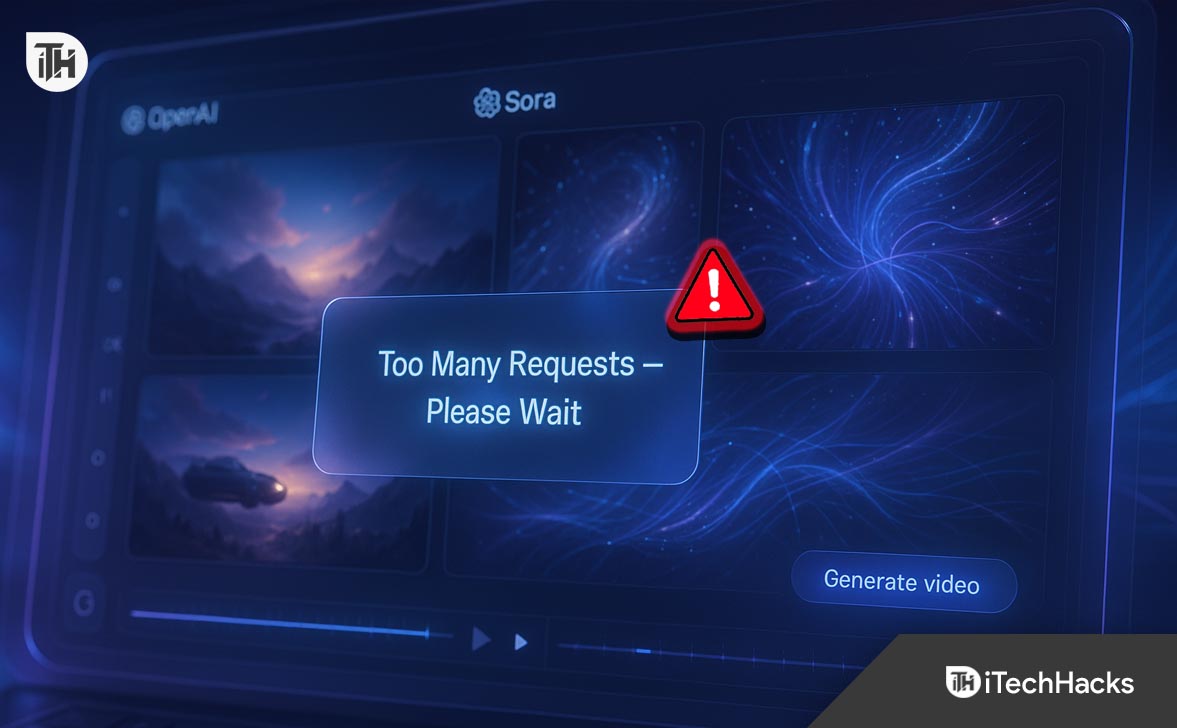
Root Causes of “Too Many Requests” in Sora
Burst Activity from the Same User
Submitting multiple high‑compute actions (generate → upscale → extend → export) within seconds can exceed per‑user windows.
Team/Workspace Collisions
On shared plans, several teammates may be generating simultaneously. Even if your personal pace is moderate, the aggregate load can breach org‑level throttles.
Aggressive Prompt Iteration
Quick “tweak‑and‑resubmit” loops are common in creative work, but they create dense clusters of requests. Sora interprets this pattern as overload protection kicks in.
Long or Heavy Jobs in Parallel
Running multiple long shots, high resolutions, HDR/film‑grade options, or frame‑accurate extensions in parallel can fill your job queue and trigger throttles.
Browser/Session Issues
Stale sessions, duplicated tabs, extensions that auto‑refresh pages, or script blockers that retry requests can multiply calls unexpectedly.
Network Factors
NAT’d corporate networks, school Wi‑Fi, or VPNs route many users through a single IP. Sora may rate‑limit at the IP edge when traffic spikes.
Credit/Quota Boundaries
If you’re near a credit ceiling or monthly cap, margin for bursts decreases. Some plans tighten burst limits as you approach allocation.
ChatGPT’s Sora App Not Working? Fix “Too Many Requests” Instantly
If you keep seeing the “Too Many Requests” error while generating videos in Sora, don’t panic. It’s simply the platform’s way of saying you’ve reached a temporary rate limit.
1. Take a Short Cooldown Before Retrying
When Sora displays this message, pause for at least 60 to 180 seconds before submitting another prompt. The system automatically resets its request window, and waiting helps it refresh your quota. Avoid clicking “Generate” multiple times in frustration — that only prolongs the timeout.
Pro Tip: Close any duplicate Sora or ChatGPT tabs. Running several instances at once counts as multiple requests and can trigger the error again.
2. Refresh Your Session to Clear Glitches
Sometimes your browser session simply gets overloaded.
Do a hard refresh (Ctrl / Cmd + Shift + R) to reload everything from scratch. If you’ve been logged in for hours, sign out, clear cache, and sign back in.
A clean session often resolves hidden background requests that Sora interprets as spam.
3. Start Small — Then Scale Up
Big, complex renders consume more compute power and often hit internal limits faster.
Instead of starting with a full 20-second cinematic clip, try a short 5-second preview first.
Once you’re happy with the framing, color, and motion, upscale or extend it into a longer video.
Why this works: Smaller jobs mean fewer backend calls per generation, giving you room to experiment without breaching rate limits.
4. Keep Your Queue Clean
- If you’ve been experimenting rapidly, open your Sora job queue and check for duplicates or stalled renders.
- Cancel any overlapping jobs before launching a new one. Each duplicate occupies a slot in your request quota — even if it fails later.
- Think of it like a traffic jam: clearing the lane lets new prompts move freely again.
5. Check Your Network and Disable VPNs
Sora uses network-based rate control. If you’re connected through a VPN, public Wi-Fi, or office network shared by many people, the platform may see all that traffic as coming from one source.
Disconnect from the VPN and try again using your personal or mobile hotspot. This isolates your IP and usually removes the rate-limit instantly.
6. Turn Off Problematic Browser Extensions
- Extensions that refresh or pre-load pages can unknowingly spam Sora’s servers.
- Disable extensions like tab managers, ad blockers, or script injectors while using Sora.
For best results, open a fresh browser profile dedicated to your creative work — clean, lightweight, and distraction-free.
7. Space Out Your Generations
When inspiration strikes, it’s tempting to hit “Generate” after every small prompt tweak.
But those back-to-back submissions can flood Sora’s servers.
Instead, follow a rhythm: generate → review → adjust → generate again.
Give each run 30 to 60 seconds before submitting the next one. You’ll get smoother results and avoid triggering limits.
8. Limit Simultaneous Devices
Using Sora on multiple devices under the same account (for example, desktop and laptop) can multiply background requests.
Log out from unused devices and keep only one active session.
This simple step cuts redundant API calls and stabilizes your generation pipeline.
9. Verify Your Plan and Credit Usage
If you’re on a limited or team plan, heavy rendering can consume your allocated quota faster than expected.
Check your credit balance or usage stats under your account dashboard.
When nearing your monthly cap, Sora tightens burst limits to maintain fairness across users.
Schedule large renders during off-peak hours or upgrade your plan if you frequently hit walls.
10. For Developers: Add Smart Retry Logic
If you access Sora via the API, the best fix is automation hygiene.
- When you receive a 429 “Too Many Requests” response, don’t resend immediately.
- Implement exponential backoff (1s → 2s → 4s → 8s) with slight random delays.
- Cap concurrent jobs, and use idempotency keys so retried tasks don’t duplicate.
Following these principles ensures your automations play nicely with Sora’s backend.
11. Re-organize Your Creative Workflow
Adopt a two-stage workflow:
- Draft phase: Create quick, low-res previews until you perfect motion and framing.
- Final phase: Perform upscale, extension, or export only once the clip is approved.
This division reduces unnecessary load and helps you stay well under rate limits — especially during team projects.
12. Deep Clean Your Environment
Still facing errors? It’s time for a full cleanup:
- Clear all Sora-related cookies and site data.
- Restart your browser (or try a different one entirely).
- If nothing changes, reinstall your browser or use another device to confirm whether it’s local or account-based.
A clean environment eliminates any cached background requests that could be lingering.
Prevent Future “Too Many Requests” Errors in Sora
Consistency is key. Here’s how to keep your sessions smooth:
- Slow down submissions – never hit “Generate” more than once every 30 seconds for heavy jobs.
- Batch ideas – write three solid prompts, then test them in sequence, not simultaneously.
- Update your browser regularly to maintain compatibility with Sora’s rendering interface.
- Educate teammates – if you share a workspace, agree on rendering windows to avoid crowding the queue.
FAQs
Why does Sora say “Too Many Requests” even when I only clicked once?
Your browser or extensions may have retried silently, or another tab/device in your account submitted at the same moment. Close duplicates, disable extensions, and try again after 1–3 minutes.
How long do I have to wait before Sora lets me generate again?
Short limits often reset within 1–3 minutes. For heavier bursts or org‑level limits, space submissions for 5–10 minutes or reduce concurrency.
Does upgrading my plan eliminate the error entirely?
Higher plans raise ceilings, but burst rules still apply. You’ll still need pacing, smart batching, and clean queues to avoid 429s during peak times.
I’m using the API. What’s the safest retry strategy?
Honor Retry-After if present; otherwise exponential backoff with jitter. Cap concurrency and use idempotent keys to avoid duplicate generations.
Will switching networks help?
Yes. Moving off a shared or VPN egress IP often helps, especially in offices or campuses where many users hit Sora simultaneously.
Final Thoughts
The “Too Many Requests” error in Sora doesn’t mean something is broken — it simply signals that the system needs a breather.
By pacing your creativity, cleaning up duplicate jobs, and optimizing your workflow, you’ll keep Sora stable and responsive even during marathon creative sessions.
Stay patient, plan your generations smartly, and Sora will reward you with faster, uninterrupted video outputs every time.