
- If "Failed to load il2cpp" appears when starting Football Manager 27, the first step is to install the latest game update, as updates often fix these issues.
- If updating doesn't help, verify or repair game files through Steam, Epic Games, or the Xbox PC app; this process checks and fixes any missing or corrupted game files.
- Check if Windows Security or antivirus software is blocking game files, and if the issue persists, consider repairing the Microsoft Visual C++ Redistributable as it can resolve related dependency issues.
If Football Manager 27 shows “Failed to load il2cpp” as soon as you click Play, check for a game update before reinstalling it. Recently, a Steam player reported that FM27 started working after an update, and Sports Interactive staff said that day’s update should address the reported issue. If you’re already up to date and still see the error, the next steps depend on whether Windows flagged a file during launch.
These fixes cover the Windows PC edition of FM27 on Steam, Epic Games, and the Xbox PC app. Try launching the game after each fix so you can tell which change helped.
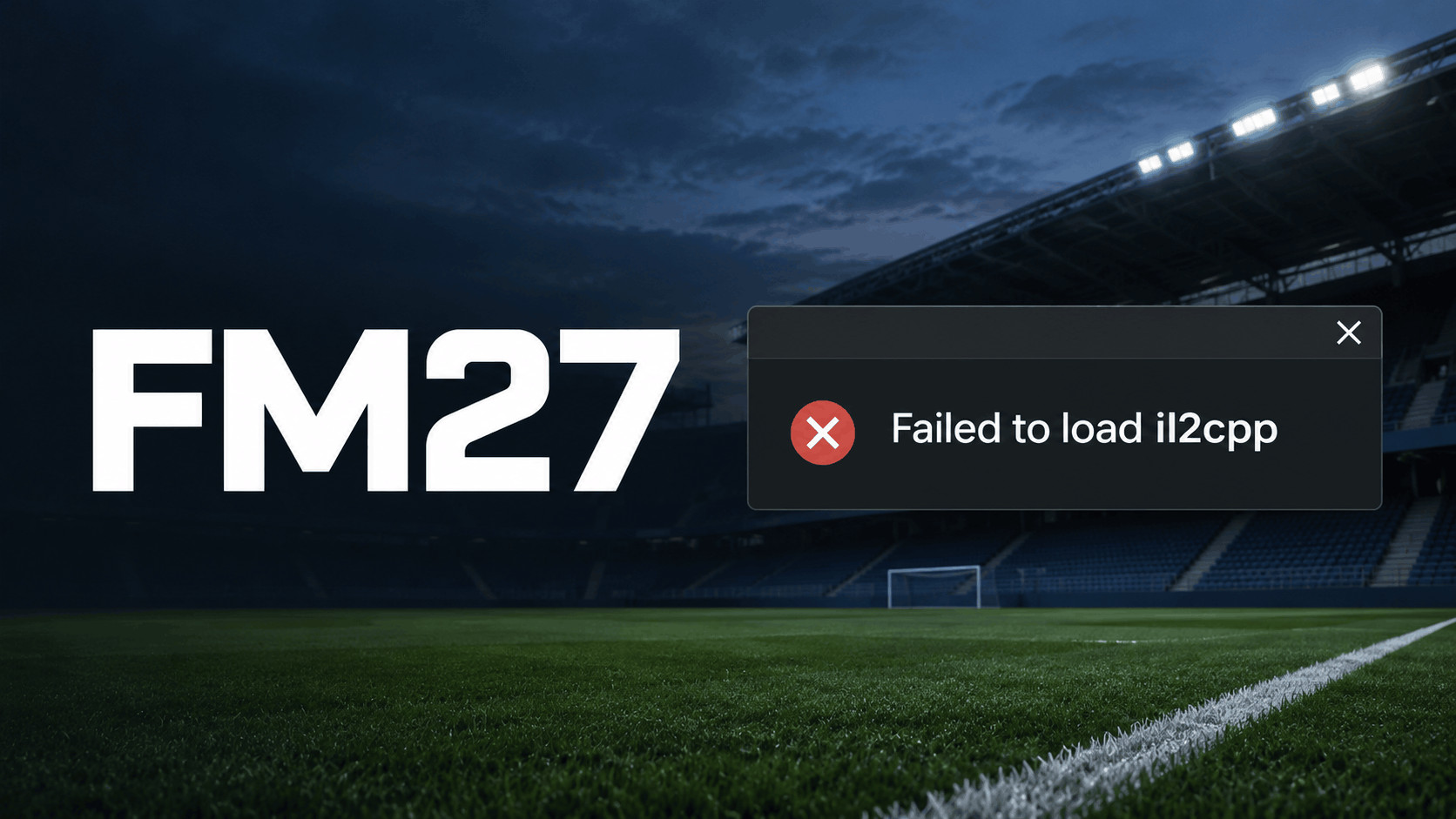
What Does “Failed to Load il2cpp” Mean in Football Manager 27?
IL2CPP is part of Unity’s system for turning game code into code your computer can run. In a Windows Unity game, a file called GameAssembly.dll contains the IL2CPP runtime and the game’s compiled script code. If Windows can’t load a required file during startup, FM27 can stop before it reaches the main menu.
The pop-up alone gives you little information about the cause. An incomplete update, a blocked file, or a missing runtime dependency can interrupt startup at this stage. A Windows notification saying Smart App Control blocked part of the app is a much more specific clue. If you saw that notification, install any pending FM27 update first, then go straight to Fix 3 if the notification returns.
1. Install the Latest FM27 Update and Restart Your PC
Start here if FM27 worked yesterday, if you played the Launch Preview, or if you usually leave your launcher open in the background. The Steam player who reported the November 12 issue had already verified and reinstalled the game before the update got it running again.
- Steam: Open Downloads and look for Football Manager 27. Start the update if it’s queued and wait for Steam to finish applying it.
- Epic Games: Open your Library, select Football Manager 27, and let any pending download finish before launching.
- Xbox PC app: Check the Xbox app’s download queue. For Microsoft Store updates, open the Store and check Downloads for pending updates.
If you tested SEGA’s temporary Steam beta during the Launch Preview, open Library > Football Manager 27 > Properties > Game Versions & Betas and check which branch you’re on. Choose None to return to the standard release. If you progressed a save on a newer beta build, keep a backup because the retail build may need to reach the same version before it can open that save.
Restart Windows once the update finishes, then open FM27 from your library. If Windows Update already has an installation waiting for a restart, finish it before testing. That gives you a clean launch after both the game update and any pending system changes.
2. Verify or Repair the Football Manager 27 Game Files
Verification checks the installed game files and replaces missing or damaged copies. It’s especially useful after an interrupted download or if the error first appeared immediately after patching. Close the game and dismiss the error dialog before starting the check.
Verify FM27 on Steam or Epic Games
- Steam: In Library, right-click Football Manager 27 and open Properties > Installed Files > Verify integrity of game files.
- Epic Games: Find Football Manager 27 in your Library, open the three-dot menu, and choose Manage > Verify. In the launcher preview, the three-dot menu is beside Play on the game’s page.
Wait for the scan and any follow-up download to finish before clicking Play. If Steam reports that a file failed to verify once, that can happen with local configuration files. If FM27 still fails and the client replaces files every time you verify, check whether your antivirus removes one again at launch.
Repair FM27 on the Xbox PC App or Microsoft Store
In the Xbox app, open the game’s page, select the three dots beside Play, then go to Manage > Files > Verify and Repair. Back up any local saves or mods before accepting the repair prompt. On Windows 11, you can also check Settings > Apps > Installed apps > Football Manager 27 > Advanced options and choose Repair if that option appears.
To back up local careers, look in Documents\Sports Interactive\Football Manager 27\games and copy your .fm files to a separate folder. If Documents is synced through OneDrive or you’ve changed FM27’s user data location, check the corresponding folder there.
3. Check Whether Windows Security Blocked an FM27 File
Microsoft Defender Antivirus and Smart App Control can both interrupt a launch, but they leave different clues. Defender can quarantine a file and record the action in Protection History. Smart App Control is a Windows 11 feature that can block Windows from loading a file and record the block in the Code Integrity log.
Check Microsoft Defender or Your Antivirus Quarantine
- Open Windows Security > Virus & threat protection > Protection history.
- Expand any recent detection from around the time the game failed and check the affected file’s full path.
- If you use another antivirus, open its quarantine or detection history and check the same launch time.
If a detection points to the official FM27 installation, update your antivirus definitions, verify the game files again, and retry. If the same file is flagged again, keep it quarantined and send SEGA the filename and detection name so they can investigate a possible false positive. A detection in a downloaded mod or replacement DLL calls for removing that add-on and restoring the original game files through your launcher.
Check Event Viewer for a Smart App Control Block
- Launch FM27 once and note the time the error appears.
- Press Windows + R, type eventvwr.msc, and press Enter.
- Open Applications and Services Logs > Microsoft > Windows > CodeIntegrity > Operational.
- Look for Event ID 3077 at the time of the failure. Open it and check whether the file path or process refers to Football Manager 27.
A matching 3077 event indicates that an enforced Windows application control policy blocked the file. Event 3076 records what a policy would have blocked in audit mode. If a 3077 event still names an official FM27 file after updating and verifying, send the event details to SEGA. A Defender antivirus exclusion can’t override Smart App Control.
4. Repair the Microsoft Visual C++ Redistributable
If the game is current, verification completes, and Windows shows no matching block, repair the Microsoft Visual C++ Redistributable. This package supplies shared runtime libraries that some native Windows programs need. Repairing it can help when the game file is present but Windows can’t load one of its dependencies.
- Open Microsoft’s Visual C++ Redistributable downloads page and get the latest supported v14 x64 installer for the 64-bit PC game.
- Run vc_redist.x64.exe. Choose Repair if the package is already installed, or Install if setup offers a fresh installation.
- Restart your PC after setup finishes, then launch Football Manager 27 from your library.
Leave other Visual C++ packages installed because older games and other apps may depend on them. If the installer fails, write down its error code before moving on. That gives support a more specific clue than the FM27 pop-up by itself.
What to Do If FM27 Still Won’t Launch
If the IL2CPP pop-up goes away but the game now hangs on a black screen or closes during the loading animation, test with custom skins, graphics, and editor files moved out of the Football Manager 27 user folder. Keep your saves in place and move one group of add-ons at a time. If the game starts, add them back in small batches to find which one triggers the crash.
If the original error persists, submit a ticket through SEGA Support. Include your launcher, Windows version, the exact error text, and the fixes you’ve already tried. Attach a matching Code Integrity event or antivirus detection if you found one. SEGA also lists %USERPROFILE%\AppData\LocalLow\Sports Interactive\Football Manager 27\crash_history.txt as the Windows crash record location. It may appear after you attempt another launch following the crash.
Frequently Asked Questions
Can a corrupted save cause “Failed to load il2cpp”?
If the message appears as soon as you click Play, FM27 is failing during startup, before you select a career. If the main menu opens and the game crashes only when you load one career, try that career’s most recent backup or autosave.
Do I need to reinstall Football Manager 27?
Verify the installed files first. It can recover individual files with a smaller download, and a full reinstall can reproduce the same failure if Windows blocks the same file again. If you do reinstall, copy your local saves to a separate folder first.
Final Thoughts
Install the latest Football Manager 27 update first, especially if the error appeared on Steam alongside a Smart App Control notification. If a current, verified copy still fails, the filename in Protection History or Event Viewer is the most useful detail to give SEGA. It shows exactly what Windows flagged during the failed launch.