- If wireless charging is not working on iOS 26, the issue usually comes down to charger compatibility, misalignment, case interference, or iOS settings. By checking your adapter, removing obstructions, updating iOS, and testing with certified Qi2 or MagSafe chargers, most charging problems can be resolved without hardware repair.
Wireless charging has become a standard feature across iPhones, but many users updating to iOS 26 are experiencing issues where their device won’t charge on a wireless pad or charger. When wireless charging stops working, it disrupts daily use and raises concerns about compatibility, hardware health, and power delivery. Addressing wireless charging not working on iOS 26 requires understanding both the software layer introduced with the update and the hardware conditions of your charging setup.
This guide provides a complete breakdown of why wireless charging fails, proven methods to restore functionality, advanced troubleshooting, and preventive measures.
Understanding Wireless Charging on iOS 26
Wireless charging works using the Qi standard, where power is transferred from the charging pad to the iPhone through electromagnetic induction. With iOS 26, Apple has refined charging protocols, battery optimization, and safety checks.
Key aspects to know in 2025:
- Qi2 support: iOS 26 aligns with the latest Qi2 standard, which uses magnetic alignment similar to MagSafe. Some older chargers may not fully comply.
- Battery protection logic: iOS 26 can pause or limit charging if it detects heat, battery health concerns, or unverified accessories.
- MagSafe improvements: Magnetic detection has been tightened, meaning misalignment can trigger charging interruptions.
Common Problems with Wireless Charging on iOS 26
- Charger Incompatibility
- Misalignment on Pad
- Case Interference
- Software Bugs
- Overheating Protection
- Hardware Issues
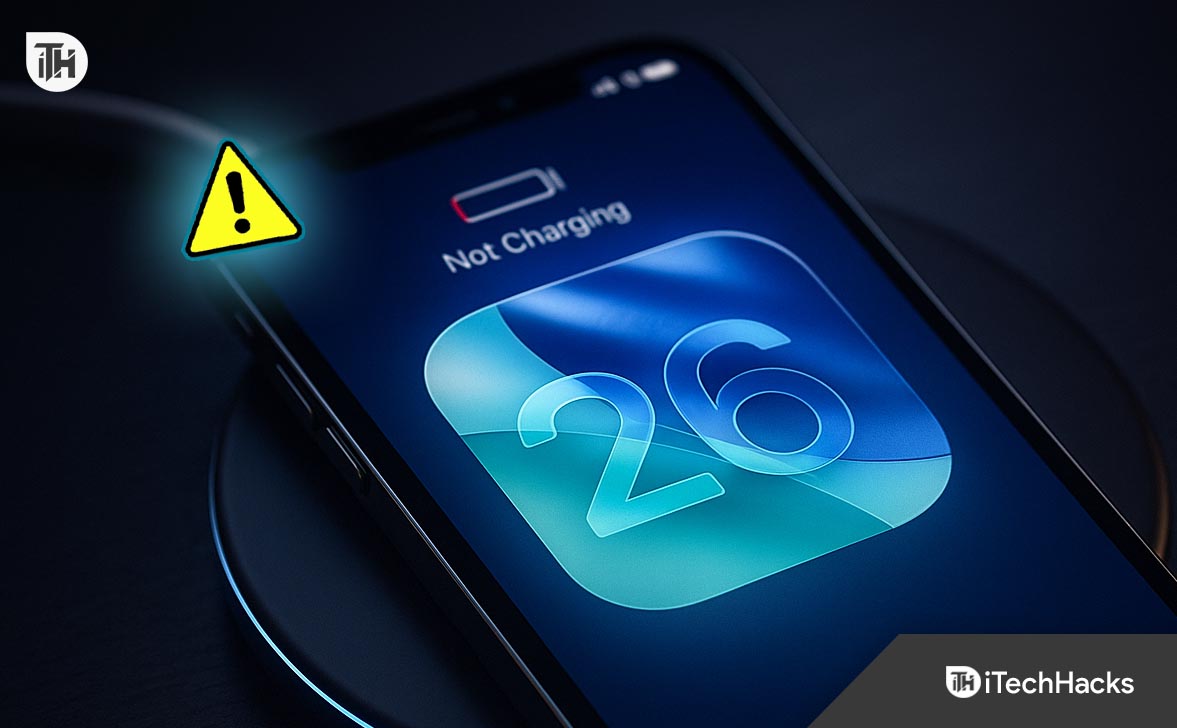
Wireless Charging Not Working iOS 26? Fix It Now
When you discover that wireless charging is not working on iOS 26, the best approach is to troubleshoot methodically. Instead of replacing your charger or assuming hardware failure, go through these proven steps in sequence. Each step isolates possible causes and gives you a clear action to resolve them.
1. Confirm Power Supply and Adapter Capacity
Wireless charging depends not only on the pad itself but also on the adapter and cable providing power. Many cases of wireless charging not working on iOS 26 are traced to underpowered or faulty wall adapters.
- Use a 20W or higher USB-C power adapter. Apple recommends 20W for MagSafe chargers, while standard Qi pads may need 10–15W.
- Avoid charging pads connected to laptops or low-power USB ports, as these rarely deliver stable current.
- Replace frayed or third-party cables with MFi-certified USB-C cables to prevent inconsistent current flow.
Pro Tip: If your iPhone charges fine with a wired Lightning or USB-C connection but fails wirelessly, the issue is likely the adapter or pad power delivery, not the phone itself.
2. Remove Obstructions: Cases, Cards, and Magnetic Holders
One of the most overlooked causes of wireless charging not working in iOS 26 is interference from accessories.
- Remove the case: Thick, rugged, or wallet-style cases block electromagnetic induction.
- Eliminate metal: Cases with metal rings, kickstands, or magnetic plates disrupt charging coils.
- Avoid card slots: Credit cards or RFID-enabled cards in MagSafe wallets interfere with current flow.
Apple’s updated charging protocols in iOS 26 are more sensitive to interference. What worked on iOS 15 or iOS 16 may now prevent charging altogether.
3. Realign the iPhone on the Charger
Wireless charging relies on precise alignment between the phone’s coil and the charging pad. If alignment is off even slightly, charging fails.
- Place your iPhone exactly in the center of the pad.
- For MagSafe chargers, make sure the magnets snap firmly into place.
- On flat Qi pads, slide the iPhone slowly in small circles until the charging animation appears.
If wireless charging is not working after iOS 26, alignment becomes even more critical due to tighter power transfer standards.
4. Restart Your iPhone
Sometimes the simplest solution works. iOS 26 may have a temporary software bug preventing wireless charging recognition.
Force Restart (Hard Reset):
- Quickly press and release Volume Up.
- Quickly press and release Volume Down.
- Hold the Power button until the Apple logo appears.
After rebooting, place the iPhone back on the charger to test. This step clears minor iOS glitches without affecting data.
5. Update to the Latest iOS 26 Release
Apple frequently patches charging-related bugs in minor updates. If wireless charging is not working on iOS 26, check for updates.
- Go to Settings → General → Software Update.
- Install the latest version of iOS 26 (e.g., iOS 26.0.2 or later).
- Keep your device connected to power during installation.
This ensures you benefit from Apple’s latest optimizations, especially for third-party Qi2 and MagSafe chargers.
6. Reset All Settings
If your iPhone still refuses to charge wirelessly, corrupted system settings may be blocking proper power recognition. Resetting clears configurations without deleting personal files.
- Open Settings → General → Transfer or Reset iPhone → Reset → Reset All Settings.
- Re-enter Wi-Fi passwords and preferences after reset.
This step is particularly effective for users reporting wireless charging not working in iOS 26 after migration from iOS 25.
7. Disable Optimized Battery Charging Temporarily
Apple introduced Optimized Battery Charging to reduce wear on lithium-ion cells. In iOS 26, this feature may sometimes pause charging if the system predicts prolonged connection.
- Go to Settings → Battery → Battery Health & Charging.
- Toggle off Optimized Battery Charging.
- Test wireless charging again.
If it works, the feature was misinterpreting your charging habits. You can re-enable it once normal charging resumes.
8. Test with an Alternative Charger
To confirm whether the issue lies in your iPhone or charger:
- Try charging with another MagSafe-certified charger.
- Borrow a Qi2 pad from a different manufacturer (Belkin, Anker, Mophie).
- If the phone charges elsewhere, your original pad is either incompatible with iOS 26 or faulty.
This step eliminates guesswork and prevents unnecessary iPhone repairs.
9. Monitor Temperature and Prevent Overheating
iOS 26 introduces stricter temperature controls. If the iPhone or charger overheats, charging pauses automatically.
- Avoid placing the charger on soft surfaces like beds that trap heat.
- Use the charger in a room between 0–35°C (32–95°F).
- If charging pauses, remove the phone for 5–10 minutes to cool down before retrying.
Consistent overheating may indicate a defective charging coil or pad.
10. Use Apple Diagnostics or Seek Service
If all steps fail, the charging coil inside your iPhone or the pad itself may be defective.
- Visit support.apple.com and run remote diagnostics.
- Or book a Genius Bar appointment for in-store testing.
- Apple technicians can verify whether the wireless charging coil, logic board, or battery system is faulty.
In cases where wireless charging not working iOS 26 is caused by hardware failure, replacement parts may be required.
FAQs
1. Why did wireless charging stop working after updating to iOS 26?
Wireless charging may stop working due to stricter alignment requirements, charger incompatibility, or software bugs introduced in iOS 26. Updating to the latest patch and checking charger compatibility usually resolves this.
2. Does iOS 26 require a new charger for wireless charging?
Not necessarily. Standard Qi chargers still work, but Apple recommends Qi2 or MagSafe-certified chargers for reliable performance on iOS 26.
3. How can I tell if my case is blocking wireless charging?
If charging starts only when the case is removed, the case is too thick or contains metal. Switch to a MagSafe-compatible case for seamless charging.
4. Can overheating cause wireless charging to stop?
Yes. iOS 26 includes temperature safeguards that disable charging if your iPhone or charging pad becomes too hot.
5. What if none of the fixes work?
If wireless charging still fails after trying these steps, the issue may be hardware-related. Contact Apple Support or visit an authorized service provider for a diagnostic.
Conclusion
Wireless charging not working on iOS 26 can stem from minor misalignment, incompatible accessories, or deeper software and hardware issues. By following structured troubleshooting—from checking cases and chargers to updating iOS and resetting settings, most problems can be resolved without repair. For persistent issues, Apple’s diagnostic tools and service centers provide the final solution. Maintaining certified accessories and preventive charging habits ensures consistent, long-term performance.
ALSO READ: